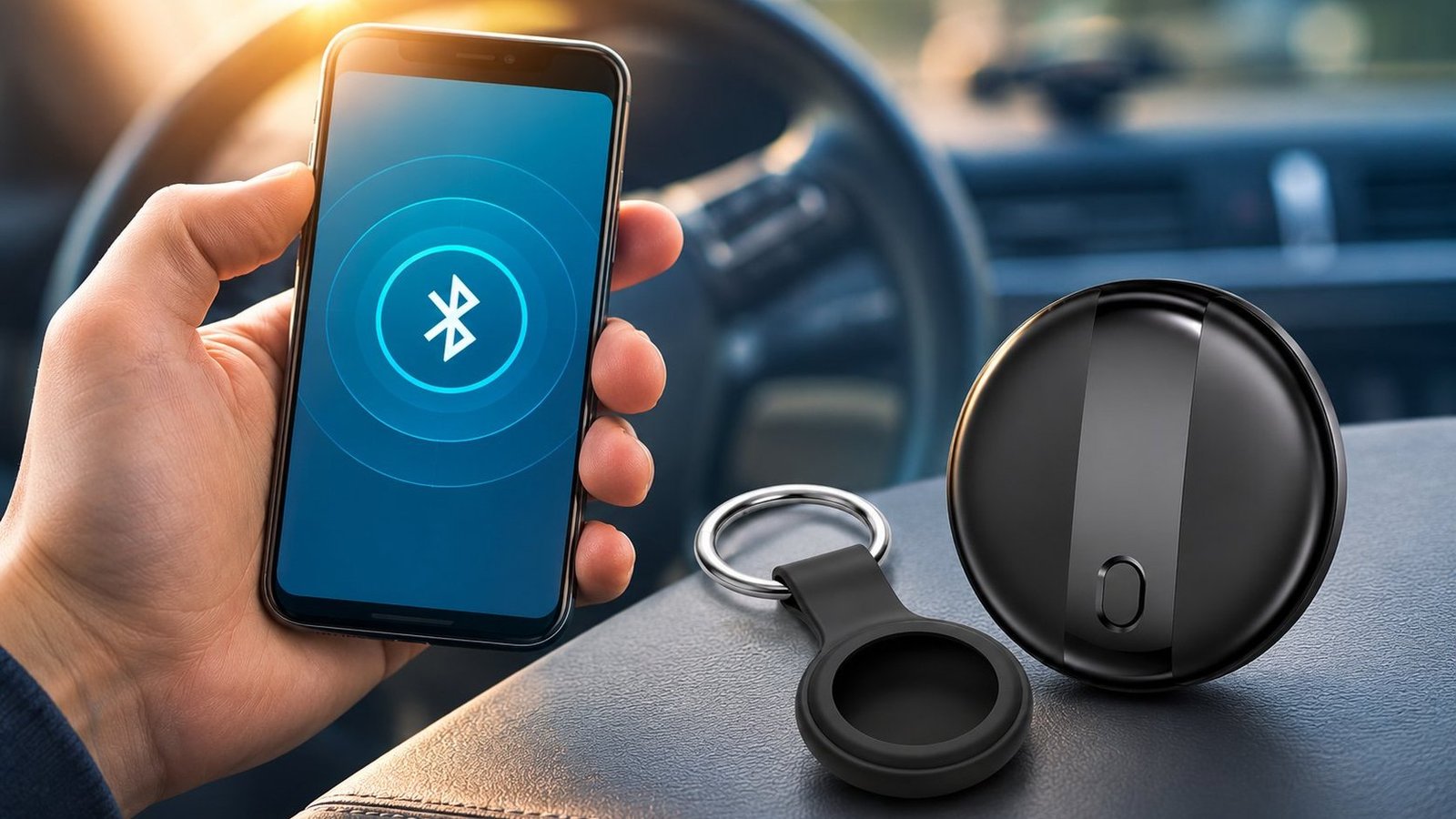
A Bluetooth tracker has two ranges, not one. The short one is the direct radio link between the tag and your own phone. The long one is a crowd of other people’s phones, which can report a location from wherever they happen to pass the tag.
That is why a tag left in a busy hotel can still show up on your map after you fly home, while the same tag on an empty trail can go quiet for days. Distance is not the deciding factor. Passing devices are.
SUNDA’s FD2601 Bluetooth tracker is specified as “Bluetooth proximity (no GPS, no SIM, no subscription)”. Its mini tag and multi-pack pages both publish a connection distance of Up to 10 m. Everything past that number belongs to the network, not to the radio.
Quick answer: about 10 metres for ringing the tag and getting a separation alert; no fixed distance limit for a network location, provided a compatible phone passes. The sections below separate those layers and give the published sources for each figure.
The Four Distances That Decide Where You Can Find a Tracker
Most guides quote one number and stop. In practice four different distances are at work, and each does a different job.
| Range layer | How far | What it needs | What you get |
|---|---|---|---|
| Direct Bluetooth link | Up to 10 m on SUNDA’s mini and multi-pack tags | Your own phone nearby | Live connection, ring the tag, separation alert |
| Precision Finding (UWB) | The last few metres | A UWB chip in both tag and phone | An on-screen arrow and an exact distance |
| Find My or Find Hub network | No fixed distance limit, but only where a compatible phone passes | Other people’s phones | A map position and a timestamp, not a live route |
| Built-in speaker | Within earshot | You within hearing distance | Sound to find it under a cushion |
Two qualifications before you design around this table. Precision Finding is an Apple AirTag feature, not a SUNDA tag feature; Apple’s 2026 announcement also notes it is unavailable in countries where Ultra Wideband is restricted. And a sound maker is not optional on Google’s side: the Find Hub Network accessory specification says “It is mandatory for the device to include a sound maker and support the ringing function.”
Direct Bluetooth Range: Your Phone and Your Tag

The short link. SUNDA publishes “Up to 10 m” as the connection distance on its mini tag, multi-pack and several other models. That is a published specification for those products, not a universal physical constant: open air can help, walls and bodies do not.
Inside this bubble you can ring the tag on demand. The FD2601 also has a built-in buzzer that sounds when the tag is separated from the paired phone, and it marks its last known location through that phone.
The radio behind this is Bluetooth Low Energy. The Bluetooth SIG technology overview describes the LE radio as “designed for very low power operation”, transmitting over 40 channels in the 2.4 GHz ISM band (2.402 to 2.480 GHz utilised). Low power is the reason a coin cell lasts a year; it is also why the direct link is short.
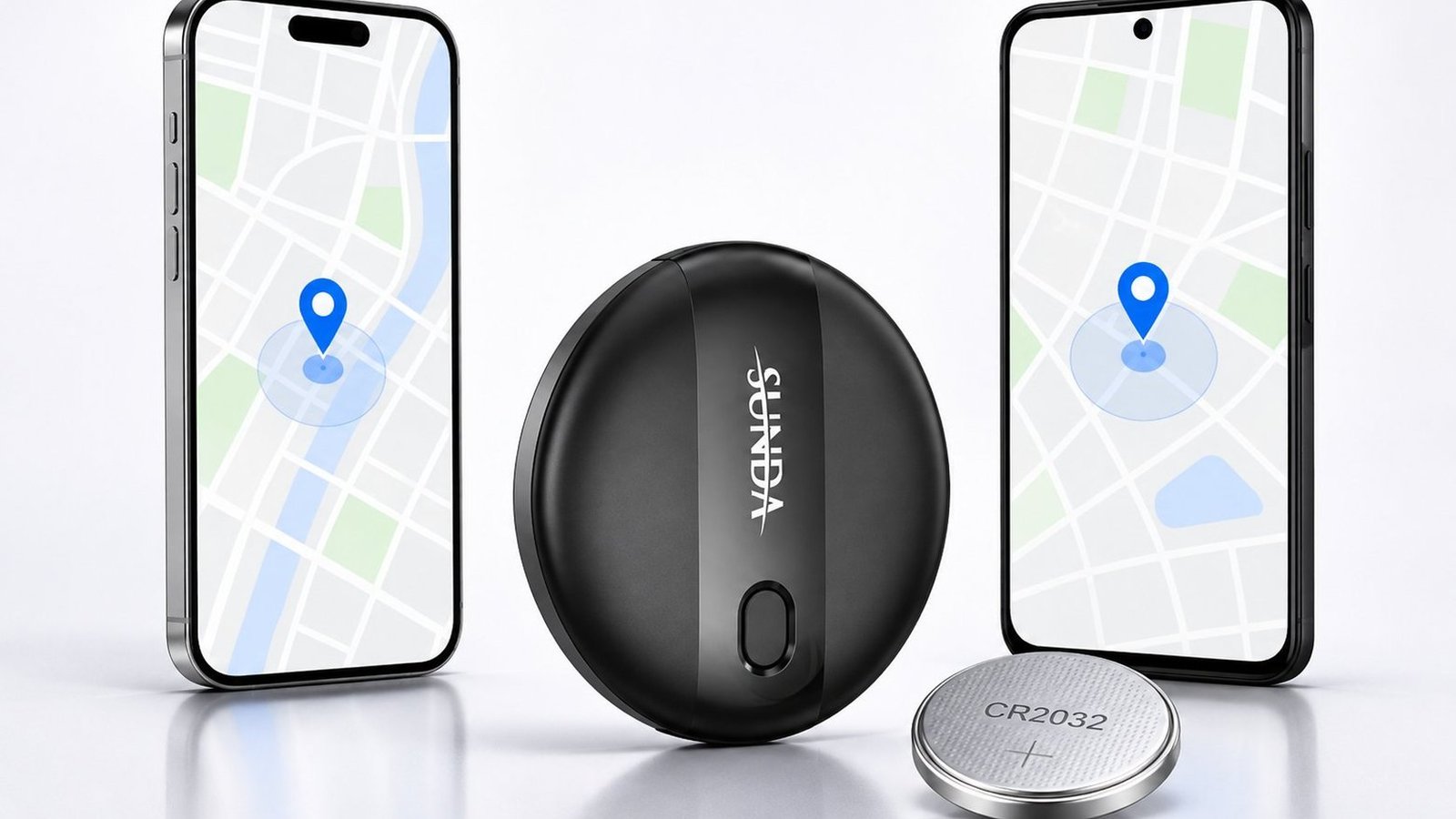
SUNDA’s FD2601 sheet lists Bluetooth 5.0 low energy, a replaceable CR2032 rated for more than 12 months standby, a working temperature of -10°C to 55°C, and CE, FCC and ROHS certification. While your phone hears the tag, the two are connected. Step outside that bubble and the tag simply keeps broadcasting, waiting for another device to hear it.
One practical point buyers often miss: a separation alert fires when the direct link breaks, but a map location still needs a phone that hears the tag. Those are two different events, and the second one is not guaranteed.
Precision Finding: The Last Few Metres
Ultra Wideband is a radio built for measuring position rather than just presence. With UWB in both the tag and the phone, an app can show an arrow and a distance for the final steps of a search.
Apple’s 26 January 2026 announcement for the new AirTag gives the clearest published figures. It says the tag is powered by Apple’s second-generation Ultra Wideband chip, that “Precision Finding guides users to their lost items from up to 50 percent farther away than the previous generation”, and that “an upgraded Bluetooth chip expands the range at which items can be located”. The same release says the new AirTag is 50 percent louder than its predecessor and can be heard from up to 2x farther away. Apple’s AirTag (2nd generation) Tech Specs list “Bluetooth for proximity finding” alongside “expanded Precision Finding connectivity”, with a user-replaceable CR2032 cell and 2026 as the year introduced.
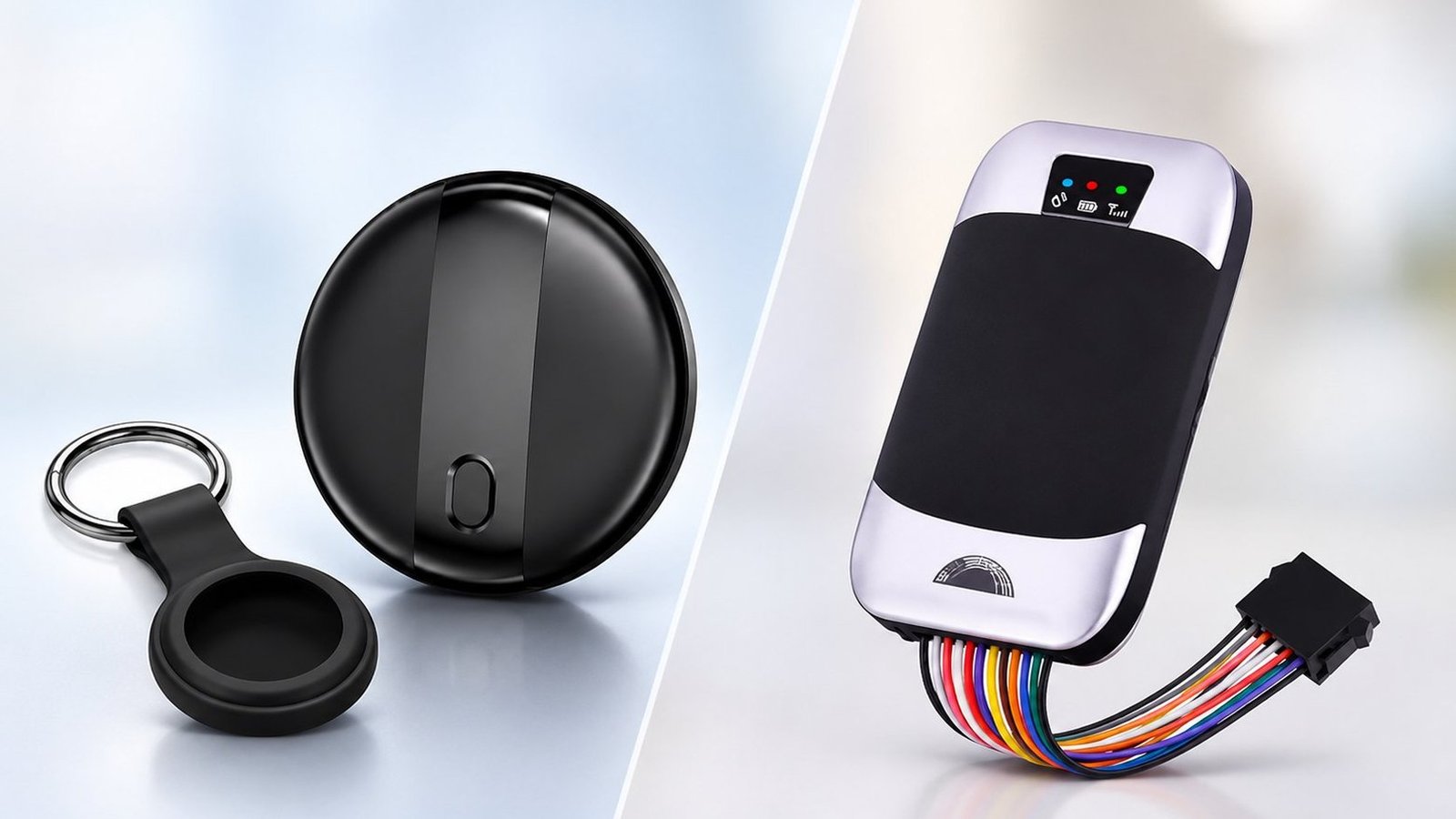
All of that describes an Apple product. SUNDA’s published tracker sheets do not claim a UWB chip; they list Bluetooth 5.0 low energy, a built-in buzzer and a replaceable cell. On those tags the last few metres are finished by ear. That works well in a flat or an office and less well in a noisy terminal, which is exactly why Google makes the sound maker mandatory in its accessory specification.
The Find My Network: Range With No Fixed Limit
Once the direct link breaks, distance stops being the constraint. Apple describes the Find My network as “a crowdsourced network of Apple devices that use Bluetooth technology to detect the location of an accessory or device, and report their approximate location back to the owner”. Its developer page puts the scale at “hundreds of millions of Apple devices around the world” with “advanced end-to-end encryption”; third-party accessories join through the MFi Program. The same announcement adds that “No one, including Apple, knows the identity or location of any device that helped find it.”
Google’s equivalent is the Find Hub Network. Its accessory specification defines “an end-to-end encrypted approach for tracking beaconing Bluetooth Low Energy (BLE) devices” and explains that the FHN frame carries a public key used to encrypt location reports from any client contributing to the crowdsourcing network. The document still uses the older Find My Device Network (FMDN) name in places, so both turn up in spec sheets.


What you see in the app is the result of that hand-off: a map dot, a timestamp and a Play Sound button, not a live route. SUNDA’s tracker series page describes the mechanism plainly — “The tag emits a rotating Bluetooth identifier; any phone passing within range of the network relays an anonymous location” — and states “There is no SIM, no data plan and no monthly fee”. The tag itself has no modem and no data plan; the phone that hears it uses its own connection.
The two ecosystems stay separate. SUNDA’s dual-system page says “The two networks do not share data with each other; the tag simply speaks both.” That matters when you are reading a map dot: it came from one ecosystem, not from a merged global pool of phones.
Where a Tag Updates Often — and Where It Does Not
The network layer has no fixed distance ceiling, but it has a density floor. A tag only produces a new position when a compatible phone passes close enough to hear it.
| Where the tag is | What to expect |
|---|---|
| City centre, airport, train station | Frequent updates. Many compatible phones pass within range. |
| Suburb or small town | Slower, with gaps when the street empties. |
| Rural road, forest, open water | Long gaps. Sometimes the last known location is all you get. |
| Inside a metal container or deep indoors | Silent until the barrier is removed, then a new position can appear. |
Google’s security engineering post makes the same observation from the network side: it found the Find Hub network “most valuable in public settings like cafes and airports, where there are likely many devices nearby”, and says “In less busy areas, last known location and Nest finding are reliable ways to locate items.” It also describes rate limiting and throttling on how often a phone can contribute a report and how often an owner can request one.
So a location dot is not the tag’s own GPS fix. It is the position of a phone that heard the broadcast, plus the Bluetooth reach at that moment, and it may be minutes or hours old. On a busy street that is close enough to walk over and ring the tag. In a quiet suburb, treat the dot as a starting point rather than a pin.
Apple Find My vs Google Find Hub: Why Range Feels Different
Both networks are crowdsourced and end-to-end encrypted. One design choice on the Android side changes how often a quiet-area tag reports in, and it is worth understanding before you blame the hardware.
Google calls it aggregation. Its security post says “By default, the Find Hub network requires multiple nearby Android devices to detect a tag before reporting its location to the tag’s owner”, citing “over a billion Android devices that can participate”. Google’s Find Hub help page spells out the mechanism: “With aggregation, the Find Hub network waits until multiple Android devices have detected a lost item. Then, Find Hub shows the owner of the lost item an aggregated location calculated from the multiple location reports.”
There is a user control for this, and it lives on the phone, not on the tracker. Under “Find your offline devices” in Find Hub settings, “With network in busy places only” is the aggregated default; “With network everywhere” lets a single detecting phone contribute a location even in remote areas. Google’s troubleshooting page confirms that aggregation “may sometimes affect detection of Bluetooth trackers, especially in remote areas” and points to “With network everywhere” for those cases. Note the help page’s other condition: to receive help from the network yourself, the Android device needs a PIN, pattern or password set.
If you buy across both phone platforms, check which dual-network configuration you are actually ordering. The FD2601 supports Apple Find My on iOS and Google Find My Device / Android Find Hub on Android 11 and above, and SUNDA says it pairs with Apple Find My on iPhone, iPad and Mac. Two different behaviours are published for the range: the dual-system tag “registers on Apple Find My and on Google Find My Device at the same time“, while the mini tag pairs to one system chosen at setup. Neither is a switch you flip by resetting the tag. On private-label orders the network is “Chosen before production; cannot be changed afterwards” on the OEM page.
One more difference belongs here: unwanted-tracking protection. In 2023 Apple and Google jointly submitted a proposed industry specification for cross-platform detection and alerts; the FHN specification now requires DULT compliance, and Apple’s 2026 AirTag release lists “cross-platform alerts and unique Bluetooth identifiers that change frequently”. These protections shape what a network will report, so they are part of real-world range too.
What Blocks a Bluetooth Signal
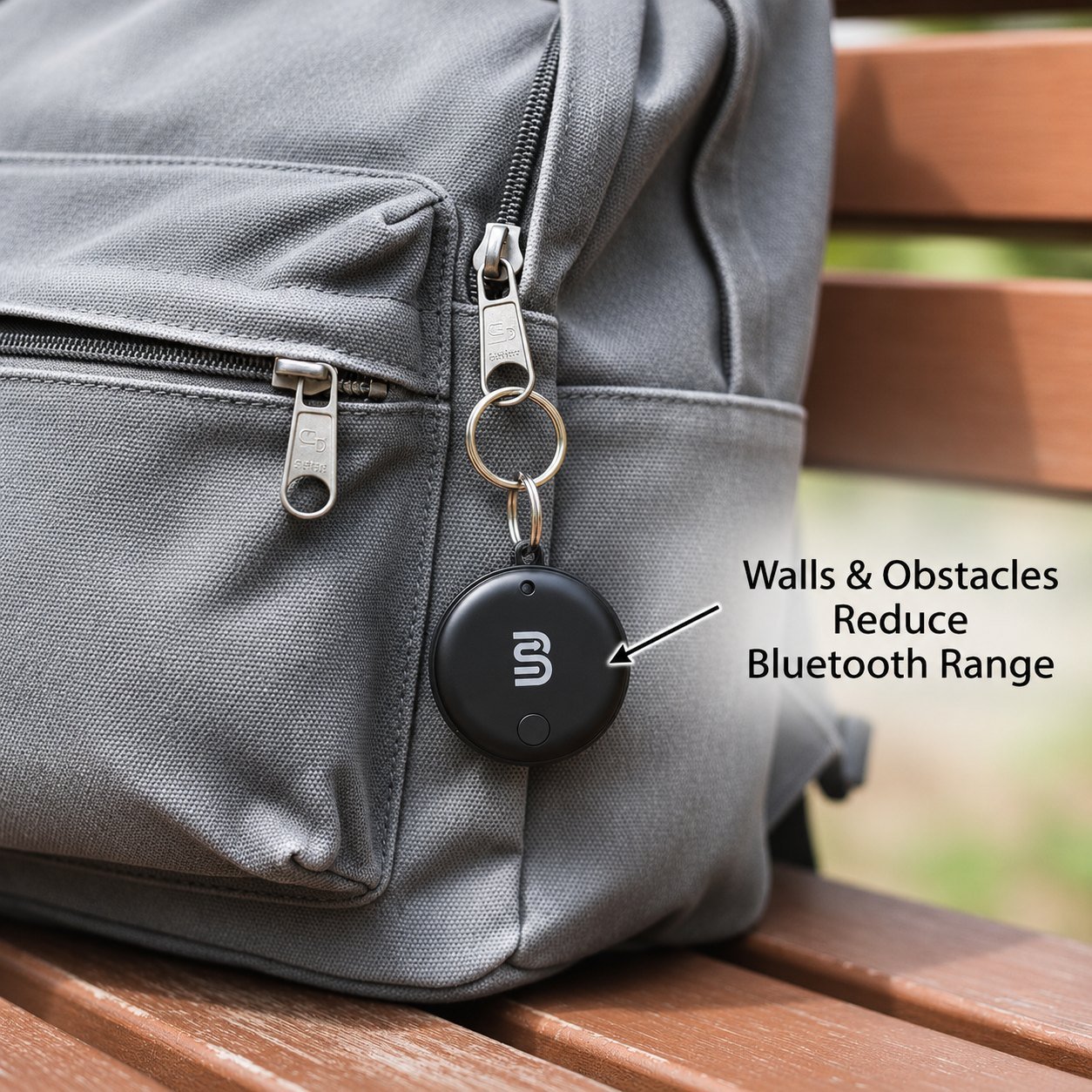
Barriers shorten the short link. A tag clipped to the outside of a bag is heard by more phones than the same tag buried under metal, liquid or a thick wall. Placement is a design decision, not an afterthought.
What changes is not the network’s reach but how many devices can hear the broadcast in the first place. Fewer listeners means fewer reports, which looks exactly like a range problem in the app.
Bluetooth LE uses the 2.4 GHz ISM band, shared with a great deal of other short-range equipment, and the SIG describes the LE radio as very low power. In practice the materials that matter most are metal, which reflects and shields; water and human bodies, which absorb; and dense concrete or brick, which costs more signal than drywall or timber. Distance and angle accumulate on top of that, and a crowded Wi-Fi environment adds interference. None of these effects has a single published dBm figure that applies to every tag and room, so treat them as reasons to test placement rather than as a formula.
A blocked signal does not mean a dead tag. A suitcase deep inside a metal cargo container may stay silent until it is unloaded, then appear again. Put the tag against fabric or plastic rather than sealing it inside metal, and keep it within the published working range: the FD2601 is rated from -10°C to 55°C.
Why Your Tracker Says No Location Found
The message usually has an ordinary cause. Work through these in order before you assume the hardware has failed.
- No compatible phone nearby. The tag is fine, but nobody on the right network has passed it recently. Wait, then check again.
- Signal blocked. Metal, water or thick walls are keeping the broadcast away from passing devices.
- Battery flat. A coin-cell tag stops broadcasting when the cell runs out. The FD2601 uses a replaceable CR2032 rated for more than 12 months standby.
- Too cold or too hot. Check the model sheet. The FD2601 is rated -10°C to 55°C.
- Wrong network. A tag set up for one ecosystem will not appear in the other’s app. Check whether your model registers on both at the same time or pairs to one at setup.
If all five check out, the last known location is your best lead. The FD2601 page says “The tag marks its last known location through the paired phone. When other Apple or Android devices pass nearby, the network anonymously updates the location.” Start your search at that pin.
What Range Means for Keys, Bags, Bikes and Pets
What you attach the tag to changes which of the four distances you actually rely on.
- Keys and wallets. Direct Bluetooth range plus the buzzer handles most cases. You find them inside the house in seconds.
- Checked luggage. The network layer does the work. Airports are dense with compatible phones, so updates are usually frequent.
- Bikes and scooters. A concealed tag shows where a stolen bike went. Updates are strongest in cities and weakest out of town; SUNDA publishes a magnetic anti-theft tag and a bicycle tracker for that mounting problem.
- Pets. A Bluetooth tag is not a live GPS collar. It updates only when a phone passes the animal, so parks and rural walks leave long gaps.
Apple is explicit that this limit is deliberate for its own product: its 2026 release says the new AirTag is “Designed exclusively for tracking objects, and not people or pets”. That is a statement about Apple’s AirTag, not a ban on every tracker. SUNDA publishes a pet and luggage tracker and a pet tracker tag with a collar holder, and its pet page notes the app can read the last known position out loud. Use those for nearby finding, and choose a GPS collar with its own modem for live movement.
The full Bluetooth tracker range shows how the same module is repackaged for each of these jobs. The radio is the same; the mounting, housing and the density of phones around it are not.
What to Ask for When You Source Trackers
Range is a specification question, not a marketing one. Get the connection distance and the network configuration in writing before tooling starts.
| Published term | SUNDA value |
|---|---|
| Connection distance | Up to 10 m on the mini tag and multi-pack pages |
| FD2601 positioning | Bluetooth proximity (no GPS, no SIM, no subscription) |
| FD2601 networks | Apple Find My (iOS) and Google Find My Device / Android Find Hub, Android 11 and above |
| FD2601 battery | Replaceable CR2032, more than 12 months standby |
| FD2601 working temperature | -10°C to 55°C |
| FD2601 MOQ | 10 pcs stock / 500 pcs OEM |
| Catalogue models | MOQ 5 to 20 pieces, enough to sample any configuration |
| Private label | From 500 pieces for custom logo, colour or packaging |
| Network on OEM orders | Chosen before production; cannot be changed afterwards |
Ask the SUNDA OEM and ODM service team for:
- The published connection distance for the exact model, and whether it has UWB or a sound maker.
- Which network the unit ships with, and whether it registers on both at the same time or pairs to one at setup.
- The replaceable cell type, standby rating and working temperature range.
- MOQ by tier, pack format, target market and any certification needed for that region.
Those four answers tell you more about real-world range than any single number on a retail box.
Summary
Direct Bluetooth range is short. SUNDA publishes Up to 10 m for its mini tag and multi-pack, and that is the distance at which you can ring the tag, get a separation alert and keep a live link to your own phone. Bluetooth LE runs in the 2.4 GHz ISM band at very low power, which is why the figure is modest and the coin cell lasts more than 12 months.
The finding network has no fixed distance limit, but it is not a global guarantee: it needs a compatible phone to pass, and Google’s default aggregation waits for several. Busy airports and city centres give frequent updates; empty roads and open water give gaps. Apple describes its Find My network as a crowdsourced network of Apple devices with end-to-end encryption, and Google’s Find Hub Network specification does the same for BLE beacons on Android.
So the honest answer to “how far away do Bluetooth trackers work” is: as far as the nearest compatible phone on the right network, and about 10 metres when it is just you and the tag. If you are sourcing, settle the network and the model sheet before production — SUNDA publishes the -10°C to 55°C working range, the 10 pcs stock / 500 pcs OEM minimums and the “chosen before production” rule for private-label runs.
Sourcing Trackers With the Right Range?
SUNDA builds Bluetooth trackers for Apple Find My and Google Find My Device with replaceable CR2032 cells, built-in sound alerts and private-label runs from 500 pieces. Send your target network, form factor, quantity and market to get the model spec sheet and a sample plan back.
FAQ
How far away does a Bluetooth tracker work from my phone?
SUNDA publishes a connection distance of Up to 10 m on its mini tag and multi-pack pages. That is the direct link for ringing the tag and getting a separation alert. Open air can help and walls, metal or a crowd can shorten it. Beyond that link the tag depends on the Find My or Find Hub network, which has no fixed distance limit but needs a compatible phone to pass.
Does the finding network work in another country?
It can. A compatible phone passing the tag abroad can report a position to your app at home, so there is no distance ceiling of the radio kind. What is not guaranteed is coverage: you need compatible devices in that place, on the right network, and Apple notes that Precision Finding is unavailable in countries where Ultra Wideband is restricted. Busy airports and city centres give the most frequent updates.
Do Bluetooth trackers need Wi-Fi or mobile data?
The tag itself needs neither. It broadcasts a Bluetooth signal. The phone that detects it uses its own data connection to report the location, and you need data on your own phone to see the map. SUNDA’s series page puts the cost simply: “There is no SIM, no data plan and no monthly fee.”
Is there a monthly fee for a Bluetooth tracker?
Not on SUNDA’s tags. There is no SIM, no data plan and no monthly fee on the series, FD2601 and multi-pack pages, and the FD2601 is specified as “no GPS, no SIM, no subscription”. The only running cost is a replacement CR2032 when the cell runs down.
Why does my tracker show no location for days?
Usually because no compatible phone has passed it, or because metal, water or thick walls are shielding the broadcast. Google’s default aggregation also waits for several Android devices before showing a position, which matters most in quiet areas. Check the cell, the working temperature (-10°C to 55°C on the FD2601) and the network the tag was set up on, then start from the last known location.
What blocks a Bluetooth tracker signal?
Bluetooth LE uses the 2.4 GHz ISM band at very low power. Metal shields and reflects it, water and bodies absorb it, and dense concrete or brick costs more than drywall. Busy Wi-Fi adds interference. Mount the tag against fabric or plastic instead of sealing it inside metal; a blocked tag can reappear once the barrier is removed.
Can I use a Bluetooth tracker to follow a pet in real time?
Not reliably. A tag updates only when a compatible phone passes the animal, so parks and rural walks leave long gaps. Apple says its AirTag is designed exclusively for tracking objects, and not people or pets; SUNDA does publish pet and luggage tags for nearby finding. For live movement, use a GPS collar with its own modem.
Can one tracker work with both iPhone and Android?
Yes, but check which configuration you are buying. The FD2601 supports Apple Find My on iOS and Google Find My Device / Android Find Hub on Android 11 and above. SUNDA’s dual-system tag “registers on Apple Find My and on Google Find My Device at the same time”, while its mini tag pairs to one system at a time, chosen at setup. The two networks do not share data with each other.
Does the new AirTag have more range?
Apple says so for its own product. Its 26 January 2026 announcement describes a second-generation Ultra Wideband chip, Precision Finding from up to 50 percent farther away, an upgraded Bluetooth chip that expands locating range, and a speaker 50 percent louder that can be heard from up to 2x farther. Those are AirTag figures, not SUNDA tag specifications; check the model sheet for the tracker you are quoting.