.lsunda-article-wrap{color:#1e293b;font-family:inherit;line-height:1.72;max-width:100%;text-align:left!important}.lsunda-article-wrap *{box-sizing:border-box}.lsunda-article-wrap h2{color:#334155!important;font-family:inherit;font-weight:700;font-size:clamp(1.45rem,2.2vw,1.9rem);line-height:1.32;margin:2.55em 0 .75em;text-align:left!important}.lsunda-article-wrap h3{color:#334155!important;font-family:inherit;font-weight:700;font-size:clamp(1.12rem,1.7vw,1.35rem);line-height:1.38;margin:1.85em 0 .65em;text-align:left!important}.lsunda-article-wrap p{color:#1e293b!important;margin:0 0 1.05em;font-size:1rem;text-align:left!important}.lsunda-article-wrap a{color:#046bd2;text-decoration:none;font-weight:500}.lsunda-article-wrap a:hover{color:#045cb4;text-decoration:underline}.lsunda-list{margin:1.1em 0 1.9em;padding:0;list-style:none;display:grid;gap:.65em}.lsunda-list li{position:relative;padding:.78em 1em .78em 2.25em;border:1px solid #ECEFF3;border-radius:8px;background:#fff;text-align:left!important}.lsunda-list li::before{content:””;position:absolute;left:.95em;top:1.32em;width:.42em;height:.42em;border-radius:50%;background:#046bd2}.lsunda-imgrow{display:grid;grid-template-columns:repeat(2,minmax(0,1fr));gap:1.15em;margin:1.8em 0 2.1em;align-items:stretch}.lsunda-imgcol{min-width:0;overflow:hidden;border-radius:8px;background:#fff}.lsunda-figure{margin:0;overflow:hidden;border-radius:8px;background:#fff;height:100%}.lsunda-figure img,.lsunda-article-img{width:100%;aspect-ratio:1/1;height:100%;display:block;border-radius:8px;border:1px solid #ECEFF3;object-fit:cover;transition:transform .22s ease;transform-origin:center center}.lsunda-figure:hover img,.lsunda-article-img:hover{transform:scale(1.018)}.lsunda-tablewrap{width:100%;max-width:100%;overflow-x:auto;-webkit-overflow-scrolling:touch;margin:1.55em 0 2em;border:1px solid #D1D5DB;border-radius:8px;background:#fff}.lsunda-table{width:100%;min-width:860px;border-collapse:collapse;table-layout:auto;font-size:.95rem;color:#1e293b;background:#fff}.lsunda-table tr:first-child{background:#F0F5FA}.lsunda-table th,.lsunda-table td{text-align:left!important;padding:.85em 1em;border:1px solid #ECEFF3;vertical-align:top;line-height:1.55;overflow-wrap:anywhere}.lsunda-table th,.lsunda-table td:first-child{font-weight:700;color:#334155}.lsunda-table tr:not(:first-child):hover{background:#F9FAFB}.lsunda-faq{margin:1.15em 0 2.1em;border-top:1px solid #ECEFF3;text-align:left!important}.lsunda-faq-item{border-bottom:1px solid #ECEFF3;padding:0;margin:0;background:#fff}.lsunda-faq-q{cursor:pointer;list-style:none;color:#334155;font-weight:700;font-size:1.03rem;padding:1.05em 2.3em 1.05em .15em;position:relative;line-height:1.5;text-align:left!important}.lsunda-faq-q::-webkit-details-marker{display:none}.lsunda-faq-q::after{content:”+”;position:absolute;right:.35em;top:50%;transform:translateY(-50%);color:#046bd2;font-size:1.35rem;font-weight:500}.lsunda-faq-item[open] .lsunda-faq-q::after{content:”-“}.lsunda-faq-q:hover{color:#046bd2}.lsunda-faq-a{padding:0 .15em 1.15em;color:#1e293b;text-align:left!important}.lsunda-final-cta{margin:2.4em 0 2.2em;padding:1.45em 1.55em;border:1px solid #D1D5DB;border-left:4px solid #046bd2;border-radius:8px;background:#F9FAFB;text-align:left!important}.lsunda-final-cta h2{margin-top:0;text-align:left!important}.lsunda-cta-button{display:inline-flex;align-items:center;justify-content:center;min-height:44px;padding:.76em 1.15em;border-radius:4px;background:#046bd2;color:#fff!important;font-weight:700;line-height:1.2;text-decoration:none!important;transition:background-color .2s ease,transform .2s ease}.lsunda-cta-button:hover{background:#045cb4;color:#fff!important;transform:translateY(-1px)}@media(max-width:768px){.lsunda-article-wrap h2{margin-top:2.15em}.lsunda-imgrow{grid-template-columns:1fr;gap:1em}.lsunda-figure img,.lsunda-article-img{height:auto;aspect-ratio:auto;object-fit:contain}.lsunda-final-cta{padding:1.2em}}@media(max-width:640px){.lsunda-table{min-width:760px;font-size:.9rem}.lsunda-table th,.lsunda-table td{padding:.7em .78em}}
.lsunda-pick{display:grid;grid-template-columns:minmax(220px,34%) minmax(0,1fr);gap:1.3em;align-items:start;margin:1.2em 0 2em}.lsunda-pick-media img{width:100%;aspect-ratio:1/1;height:auto;display:block;object-fit:cover;border:1px solid #ECEFF3;border-radius:8px}.lsunda-pick-copy{min-width:0}.lsunda-pick-copy>p:first-child{margin-top:0}.lsunda-pick-copy>p:last-child{margin-bottom:0}@media(max-width:768px){.lsunda-pick{grid-template-columns:1fr}.lsunda-pick-media{max-width:520px}}
“I plugged my charger into the stereo and nothing played.” It is one of the most common support questions we see, and the answer surprises people. CarPlay and USB music both need a data connection to the head unit. A charge-only USB port, and any charger sitting in your 12V socket, has no data lines at all. It can power your phone, but it can never send audio to the stereo.
In 2026, with USB-C on nearly every phone, the confusion between charging and data is bigger than ever. Two ports that look identical from the outside do completely different jobs, and the label on the plastic does not tell you which is which.
This guide pulls the two apart so you know exactly what plays music and what only charges. If your charger is not delivering power either, start with our list of common causes when a car phone charger stops working.
Quick answer: a car charger powers your phone. It is not wired to your stereo. To play music you need a data-capable USB port on the head unit, or a Bluetooth or wireless connection, not a charger.
Charge-Only vs Data USB: The Physical Difference
A USB connection carries two separate things on different wires: power and data. Understanding which wires a port actually has is the whole answer.
Power wires. Every USB port has a positive feed and a ground. These two alone are enough to charge a device. A charge-only port stops here.
Data lines. On USB-A, two extra wires called D+ and D- carry data, including audio sent to a stereo. On USB-C, a configuration channel plus the data pairs do the same job. A port that physically omits these wires cannot move data no matter what you plug in.
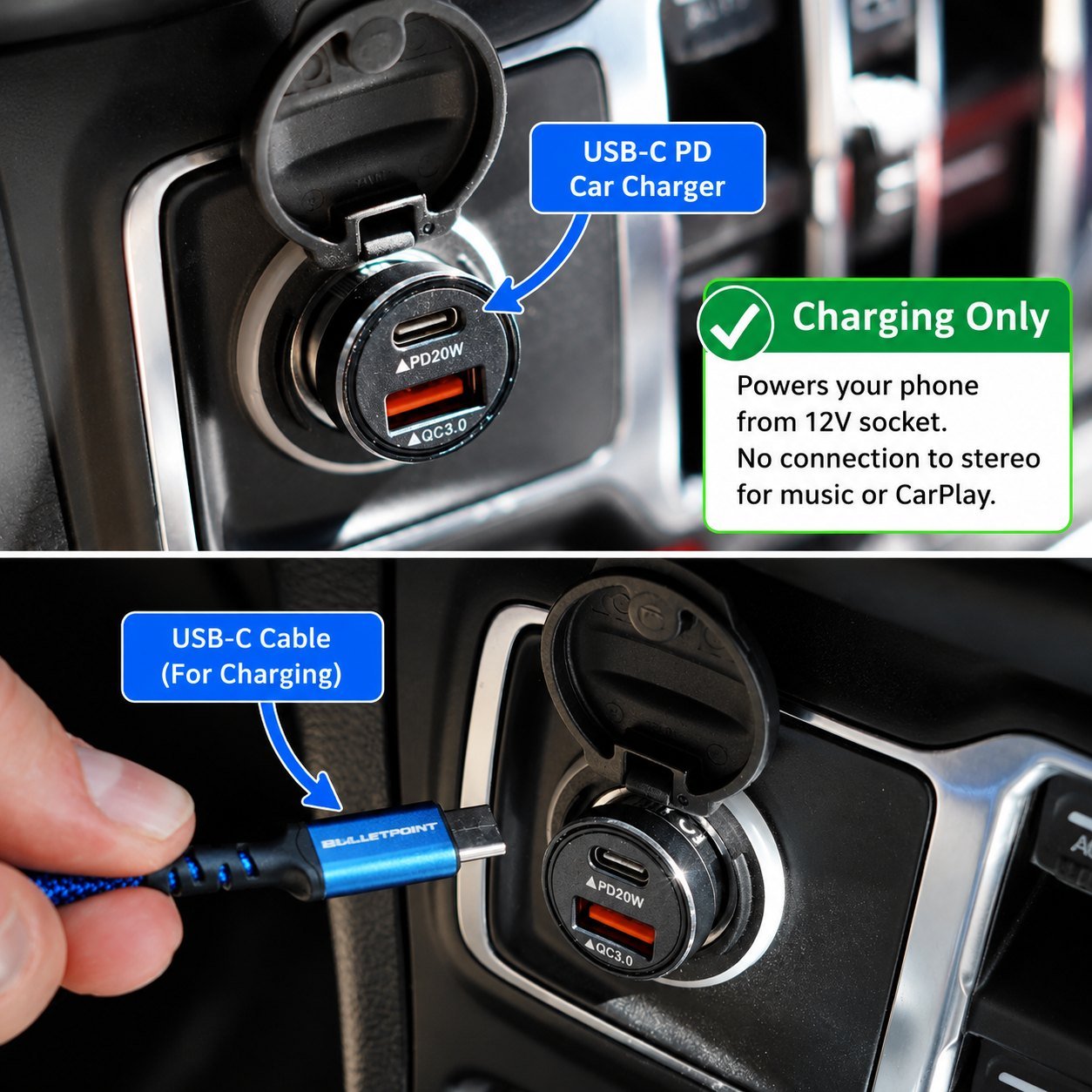
Here is the part that trips everyone up. A car charger in your 12V socket is a power supply. It is not connected to the stereo’s circuitry in any way. Even a charger with full data wiring inside only uses those lines to negotiate charging speed with the phone. It has no path to the head unit’s audio system.
You can identify a true data port on a head unit by the CarPlay or Android Auto icon next to it, or by checking the vehicle manual. A plain USB symbol usually means charge-only.

| Port or device | Power | Data | CarPlay or music | Where you see it |
|---|---|---|---|---|
| 12V socket charger | Yes | No | No | Any plug-in car charger |
| Charge-only USB port | Yes | No | No | Most factory ports 2015 to 2022, dash-cam taps, added hubs |
| Head unit data port | Yes | Yes, D+ / D- or CC | Yes | Marked with the CarPlay or Android Auto icon |
| Panel-mount charge module | Yes | No | No | Aftermarket in-dash charging, such as the CC82 |
| Wireless CarPlay adapter | From the socket | Over Wi-Fi and Bluetooth | Yes, wirelessly | Plugs into a charger in the 12V socket |
Read that table as a hardware rule, not a software setting. No app, firmware update or setting change adds data wires to a port that was built without them.
What CarPlay and Android Auto Actually Need
Wired CarPlay and Android Auto both need a real data link to the head unit, plus enough power to keep the phone alive during the session. The head unit’s data USB port provides both.
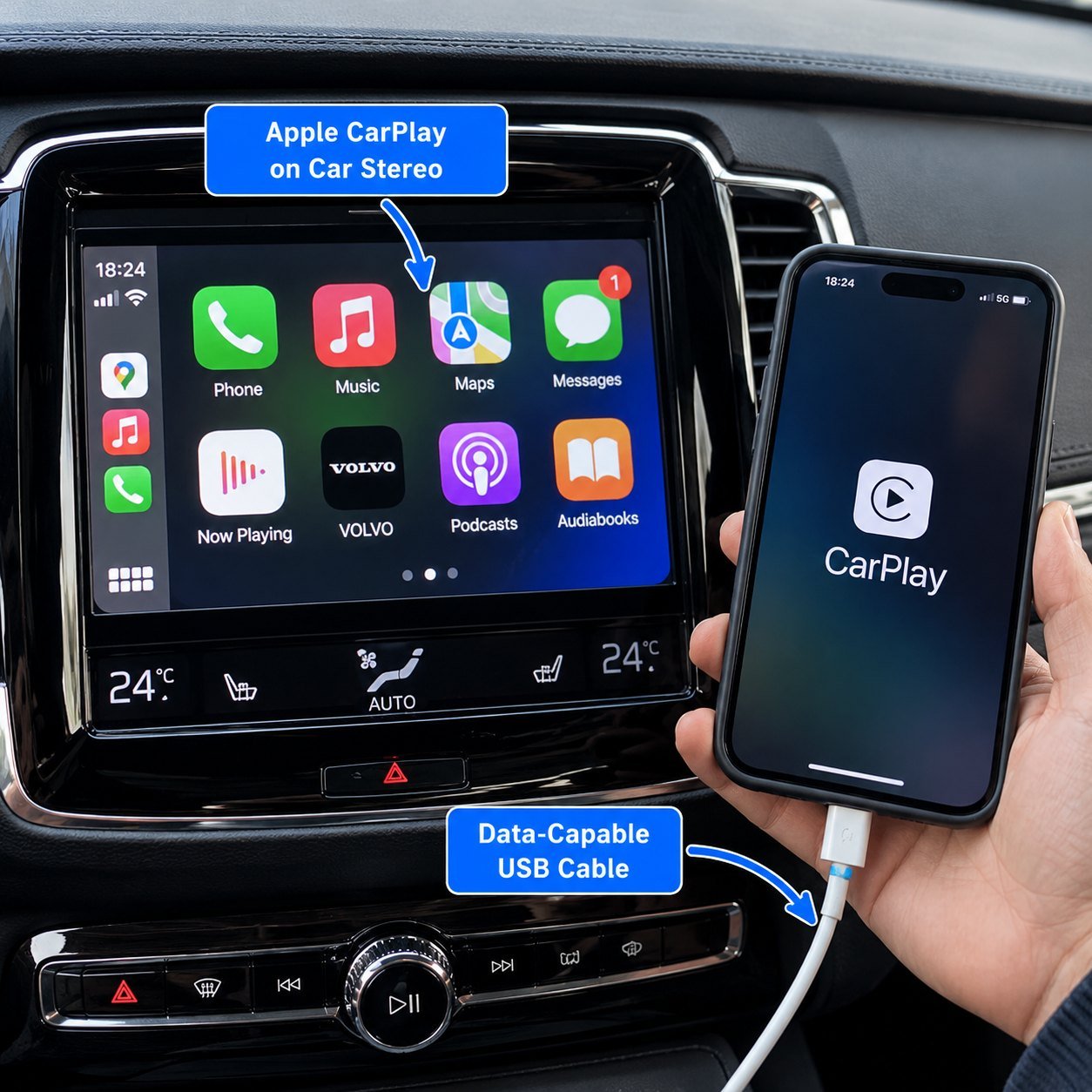
Wired mode. You plug the phone into the head unit’s data port with a data-capable cable. That port handles the CarPlay or Android Auto session and trickle-charges the phone at the same time, though often slowly, around 1A.
A full-data USB cable is required here. A charge-only cable breaks the connection even on a correct data port.
Wireless mode. Wireless CarPlay and Android Auto connect over Wi-Fi and Bluetooth, with no cable to the head unit. Because nothing is plugged in for data, the phone drains fast running the display and radios. This is exactly where a car charger earns its place: plug the phone into a USB-C PD car charger in the 12V socket for power, while the head unit handles CarPlay wirelessly. If PD charging is new to you, our explainer on how USB-C Power Delivery works in a car covers what the port negotiates and why the cable matters.
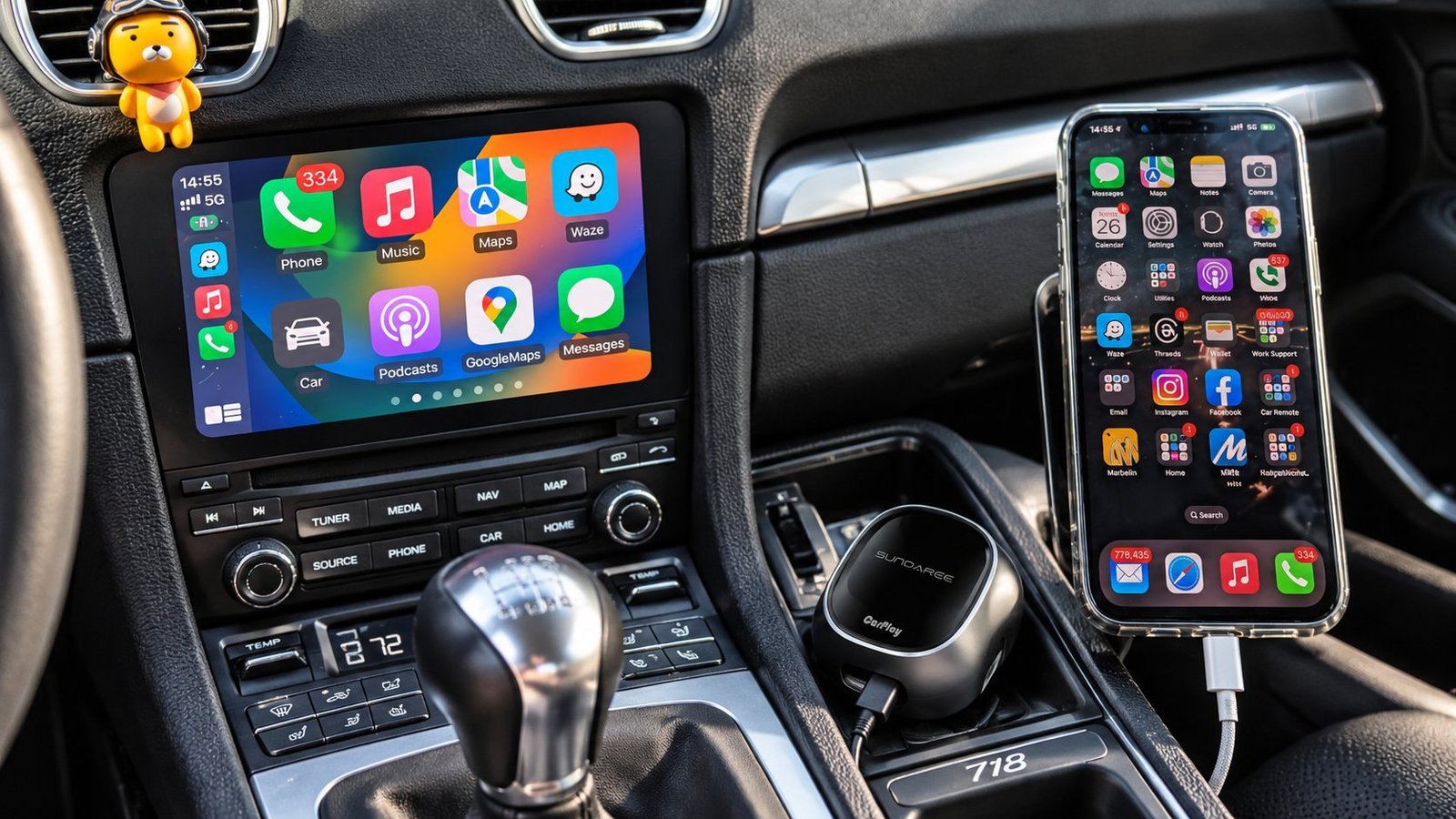
If the head unit only speaks wired CarPlay, a wireless adapter bridges the gap. SUNDA’s YD-TP04 wireless CarPlay adapter sits between the two: it plugs into the head unit’s USB-C data port and pairs with the phone over 5 GHz Wi-Fi and Bluetooth LE 5.0, drawing 0.75W at idle. The adapter carries the data. A separate charger in the socket carries the power. Keep those two jobs apart and wireless CarPlay stops dropping out.
Why a Charger Alone Will Never Play Music
The myth goes like this. You see a USB port, you assume every USB port does both power and data, so a USB charger should play music too. Each step feels reasonable. The chain breaks at the first link.
A charger is a power supply wired to the 12V socket. The stereo is a separate system wired to its own inputs. The two never touch. Plugging a phone into a charger sends power to the phone and nothing to the speakers, because there is no wire between the charger and the audio system to carry a signal.
So what actually plays music without CarPlay? Three options. A Bluetooth connection if your stereo supports it. A Bluetooth or AUX adapter if it does not. Or a new head unit with a real data USB input. Watch out for the AUX adapter trap, where a cheap adapter adds noise or lag, which is worth researching before you buy.
The adapter route is well served now. SUNDA’s CC-83 Bluetooth FM transmitter is a 12V plug with Bluetooth 5.0, hands-free calling, an FM transmitter and a 43W charge budget, with music from Bluetooth, a TF card, a USB drive or AUX. That is the honest version of “play music in an old car”: the audio arrives over Bluetooth, and the plug charges the phone at the same time.
Upgrading Your In-Dash USB Ports
Many factory USB ports from 2015 to 2022 look identical to data ports but are charge-only. The manufacturer fitted them purely to power a phone, not to run CarPlay. Checking which type you have saves a lot of frustration.
OEM data ports carry the CarPlay or Android Auto icon and run the full infotainment handshake. These are the ones that play music and run the projection software.
Aftermarket charge-only ports, including most dash-cam power taps and USB hubs added later, supply power only. Adding one of these gives you more charging points but never adds music or CarPlay.
To add music or CarPlay to a car without it, you replace the head unit with one that has a data USB input and projection support, or you add a wireless CarPlay adapter to a compatible unit. No charging accessory can add a data path that the stereo hardware does not already have.
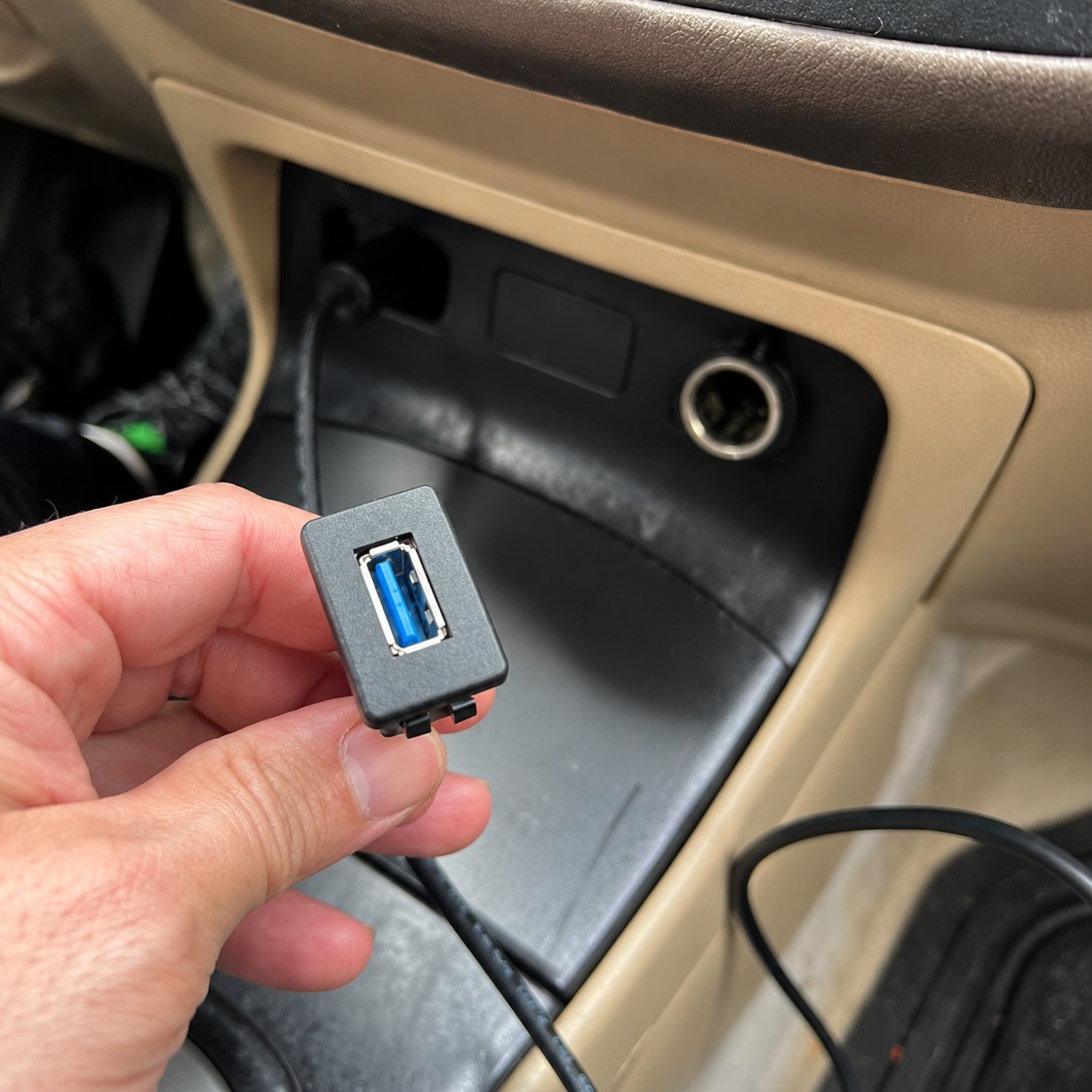
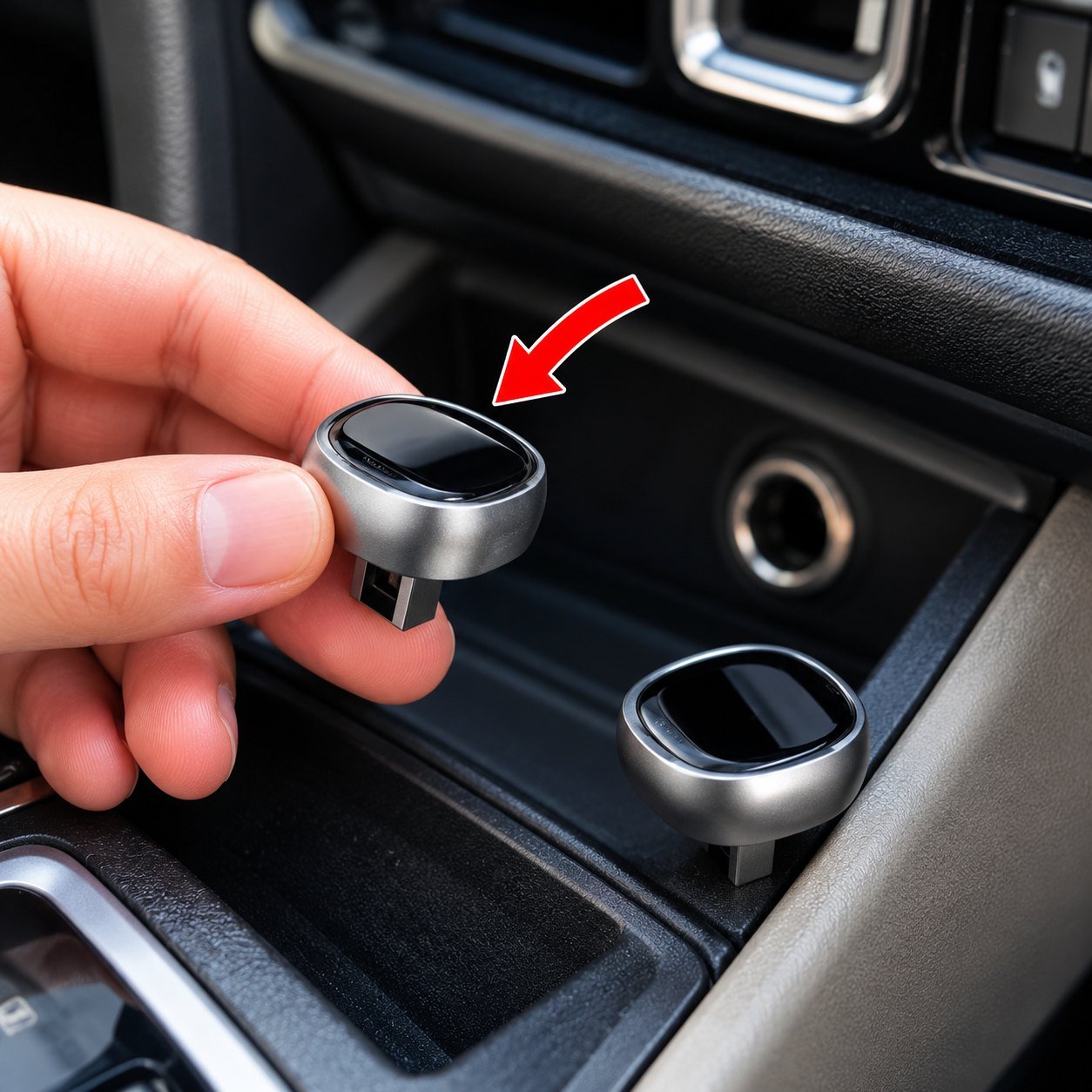
That is the logic behind a panel-mount module. SUNDA’s CC82 panel-mount charger fits a 30 mm drill hole with a fused harness and an IP66 hinged cover, and delivers 2 x USB-C PD 30W with PPS 33W plus USB-A QC 18W. It is a charging module, and it is honest about that: it adds two or three fast-charging points beside the existing data port, and it does not pretend to be a CarPlay input. If your phone needs faster charging than the factory port gives it, that is the job it solves.
What to Buy for Each Job
Match the device to the actual task. Charging and music are two different jobs with two different answers. If you are still working out which socket and port your car actually has, the car USB converter and adapter guide walks through the hardware first.
| Task | What you need |
|---|---|
| Fast-charge a phone in the car | USB-C PD car charger in the 12V socket |
| Play music via wired CarPlay | Head unit data port plus a full-data cable |
| Play music, no CarPlay | Bluetooth or AUX adapter, or a new head unit |
| Run wireless CarPlay | Wireless adapter plus a car charger for power |
| Charge and run CarPlay together | Head unit port for data, separate car charger for speed |
The cable is the part buyers get wrong most often. A full-data cable carries the session; a charge-only cable silently fails. SUNDA’s YD-TP01 USB-C cable is a data and charging cable rated 100W at 5A, and the full USB-C cable range separates charge-only builds from data builds by specification rather than by looks.
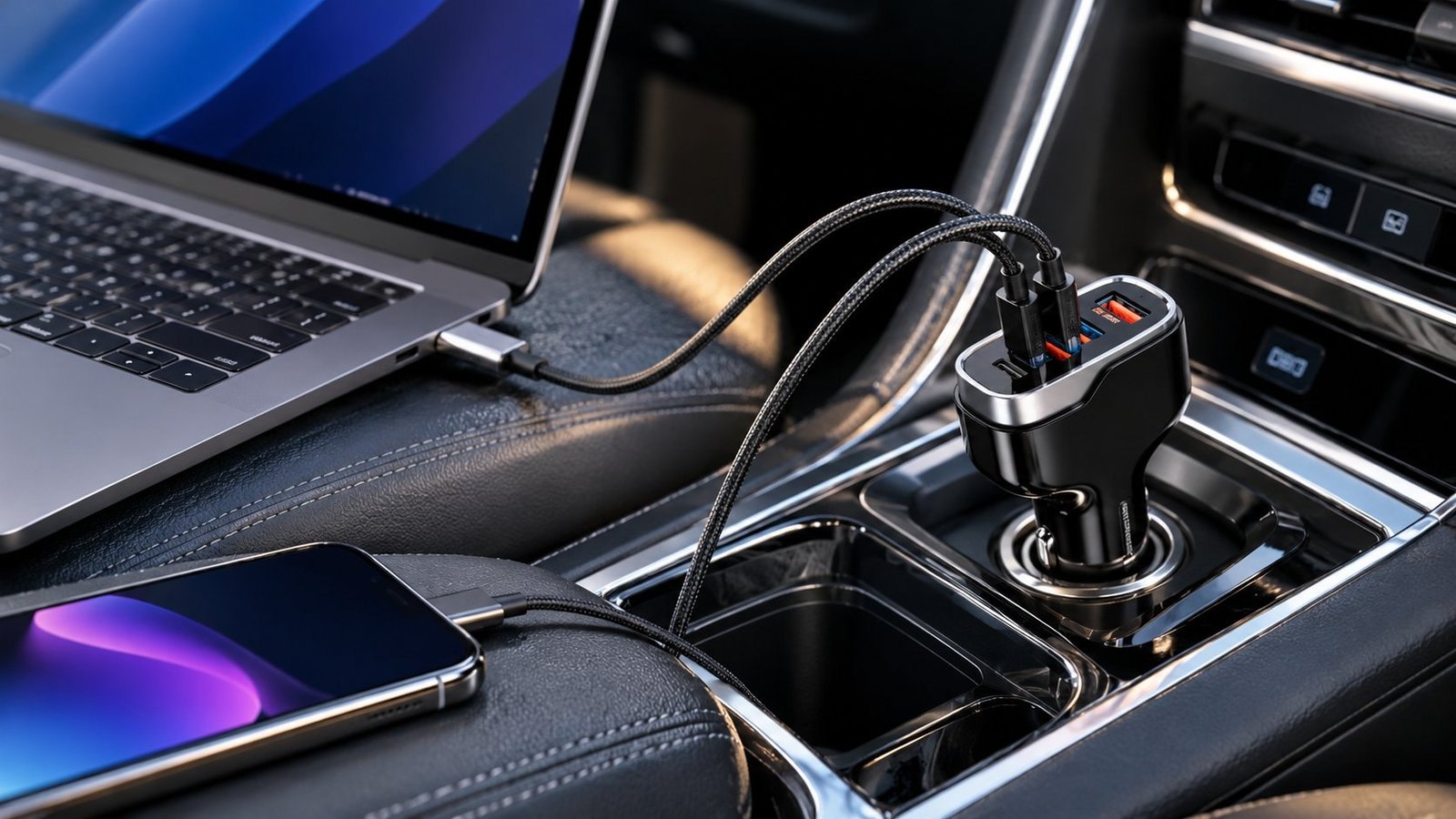
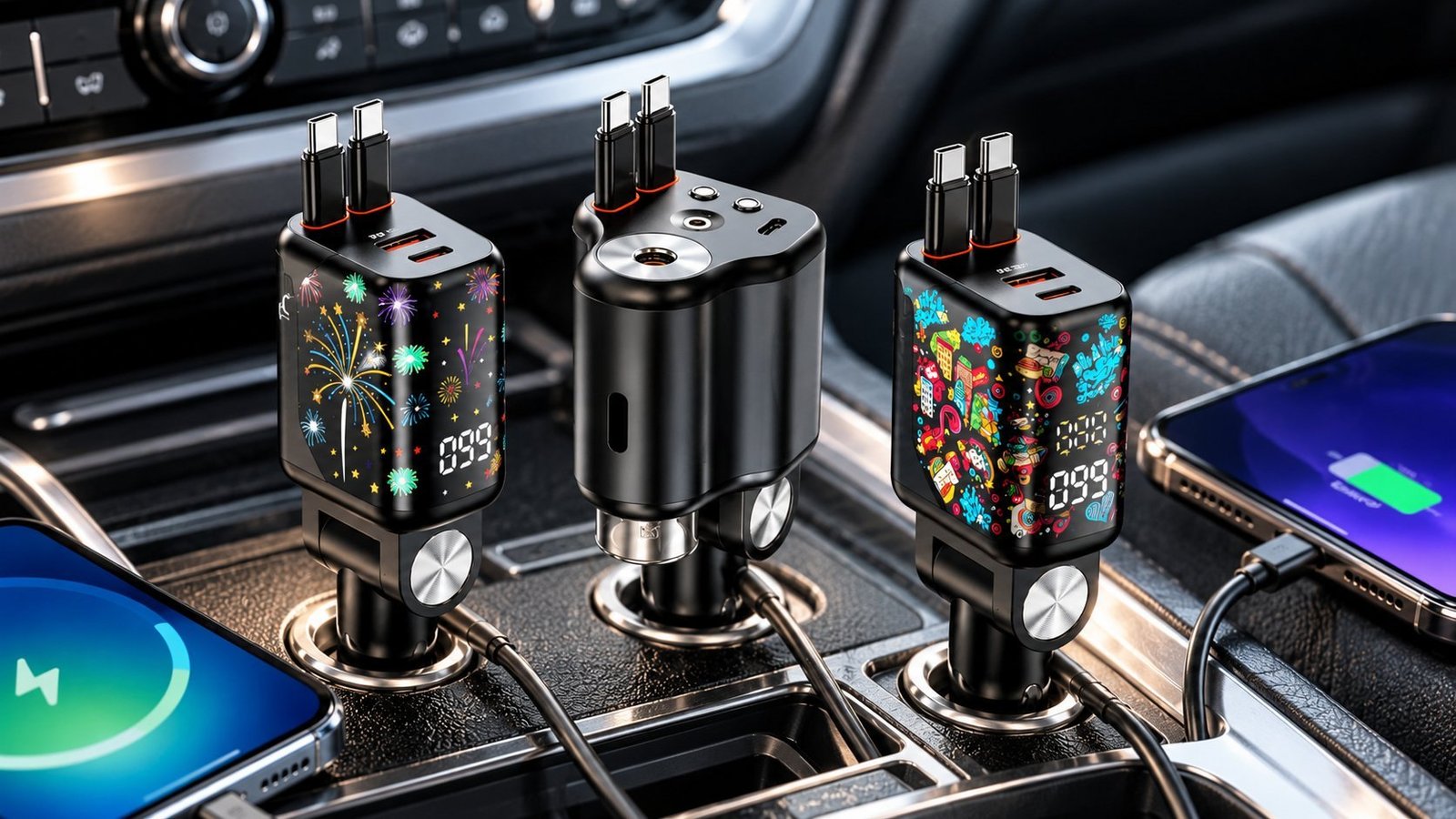
For fleet upfitters and installers fitting both power and projection, SUNDA supplies dedicated charge modules that sit alongside the head unit’s data port rather than competing with it. The CC53 car charger series covers the plug-in side, eight models from 38W to 140W in 2, 3 and 4-port layouts, with CE, RoHS and FCC on the model pages. E-Mark sits in the wider SUNDA certification stack alongside ETL, UL, ISO 9001, amfori BSCI and SMETA, so you can match the paperwork to your market. Send your vehicle and integration requirements to the SUNDA team for a spec sheet within two business days.
Summary
Charging and data are two separate jobs on two separate wires. A car charger powers your phone and has no connection to the stereo, so it cannot play music, ever. CarPlay and USB audio need a real data port on the head unit, marked with the CarPlay or Android Auto icon, plus a full-data cable. For music without CarPlay, use Bluetooth, an adapter, or a new head unit. Buy a charger for power and solve audio separately.
Fitting Power Without Touching the Data Port?
Check the CC82 panel-mount spec and the rest of the car charger range, then send your vehicle, port layout and target volume. You get a spec sheet and pricing back within two business days.
FAQ
Can a USB car charger play music in my car?
No. A car charger is a power supply wired to the 12V socket, with no connection to the stereo. It charges your phone but has no path to send audio to the speakers. To play music you need a data-capable USB port on the head unit, a Bluetooth connection, or an AUX adapter, not a charger.
Why does my USB port charge but not play music?
Your port is charge-only. It has the power wires but not the D+ and D- data lines needed to carry audio to the head unit. Many factory USB ports from 2015 to 2022 are charge-only despite looking identical to data ports. Check for a CarPlay or Android Auto icon, which marks a true data port.
Do CarPlay ports charge iPhones faster?
Usually no. A head unit’s CarPlay data port is built for data first and often charges slowly, around 1A or 5W. That is slower than a dedicated USB-C PD car charger, which fast-charges at 20W or more. For wireless CarPlay, use the head unit for projection and a separate PD car charger in the 12V socket for speed.
Can I add CarPlay to a car without it?
Yes, but not with a charging accessory. You replace the head unit with one that has a data USB input and CarPlay support, or add a wireless CarPlay adapter to a compatible unit. No USB charger or hub can add a data path the stereo hardware does not already have, because charging and data are separate systems.
What USB cable works for CarPlay?
A full-data USB cable. Wired CarPlay sends display and audio data over the cable’s data lines, so a charge-only cable with no data wires breaks the connection even on a correct data port. Use a certified data cable, and keep it under one meter for the most reliable wired CarPlay session.
Do aftermarket USB ports support data?
Most do not. Aftermarket USB ports, dash-cam power taps, and added USB hubs are built to supply power only, with no data lines. They add charging points but never add music or CarPlay. Only a head unit’s own data port, marked with the projection icon, carries the data a CarPlay or Android Auto session needs.