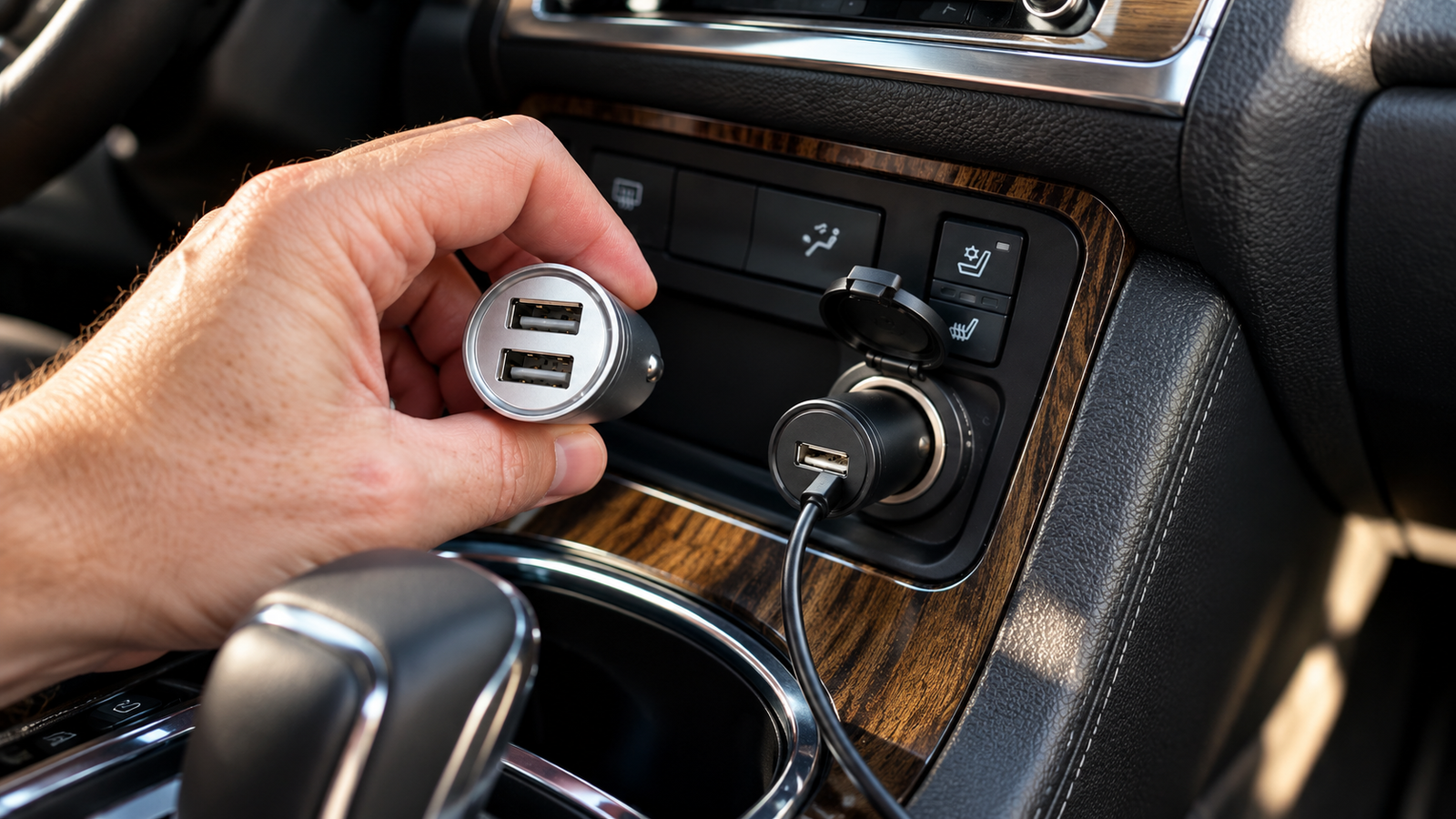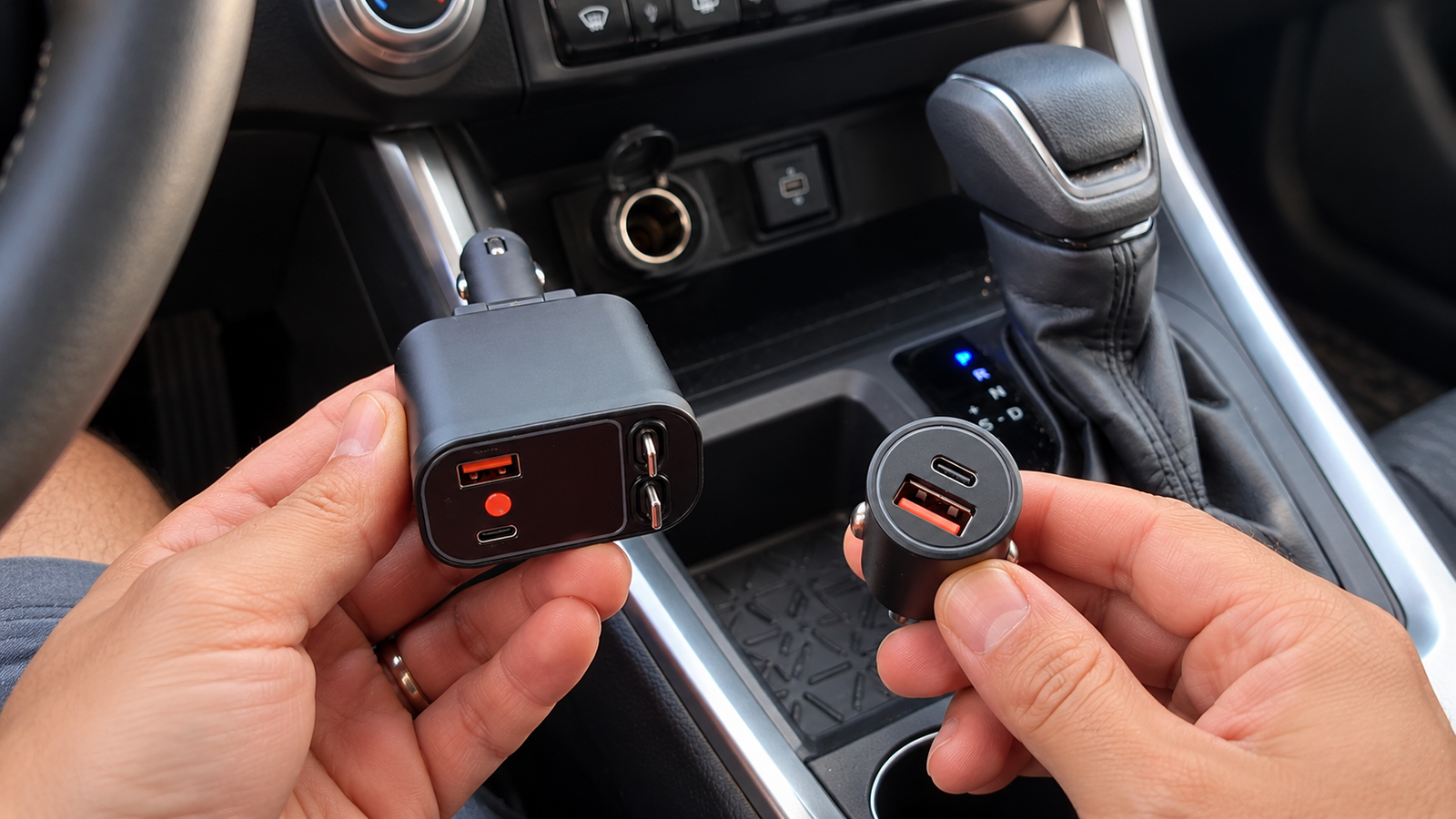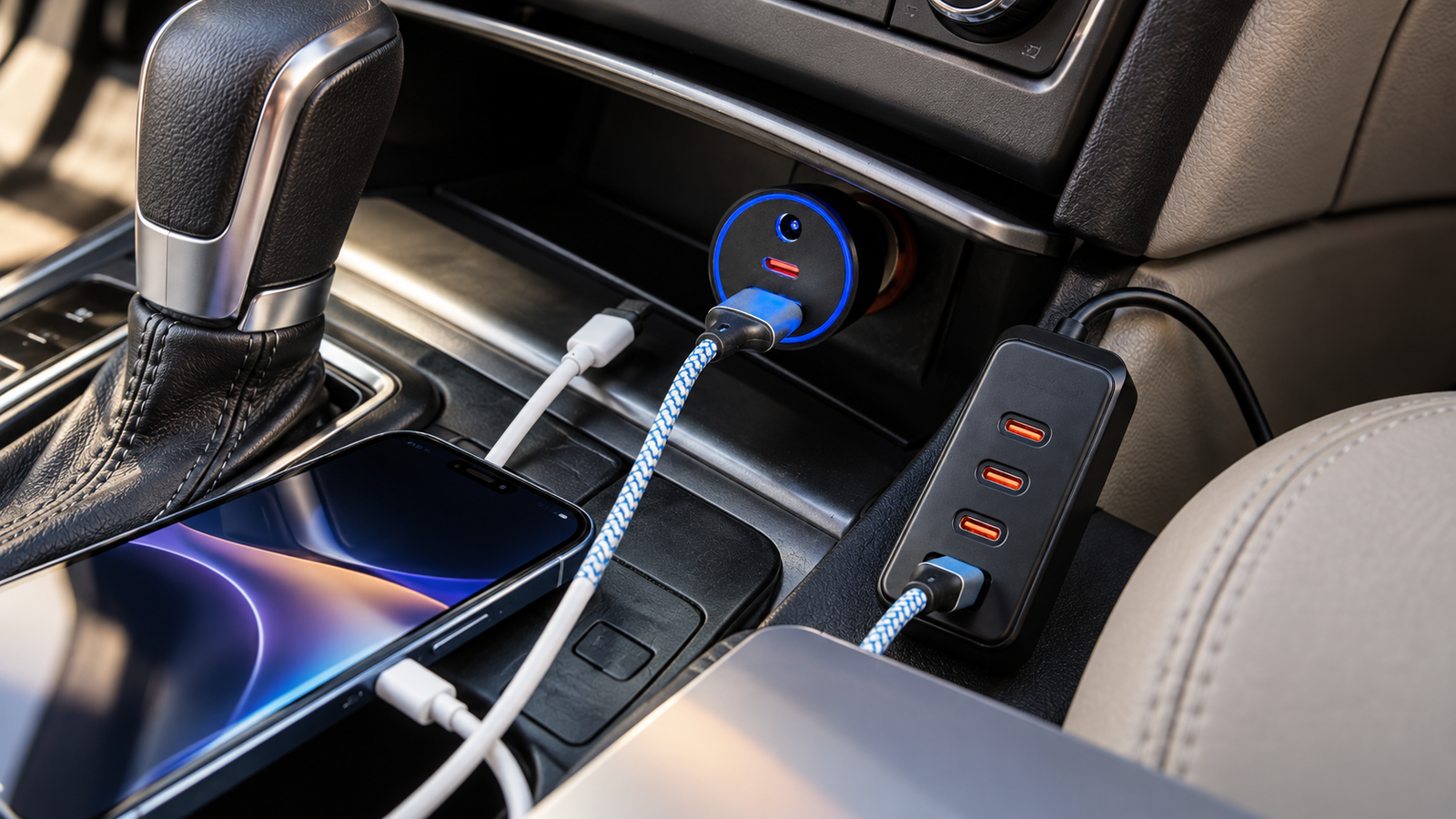
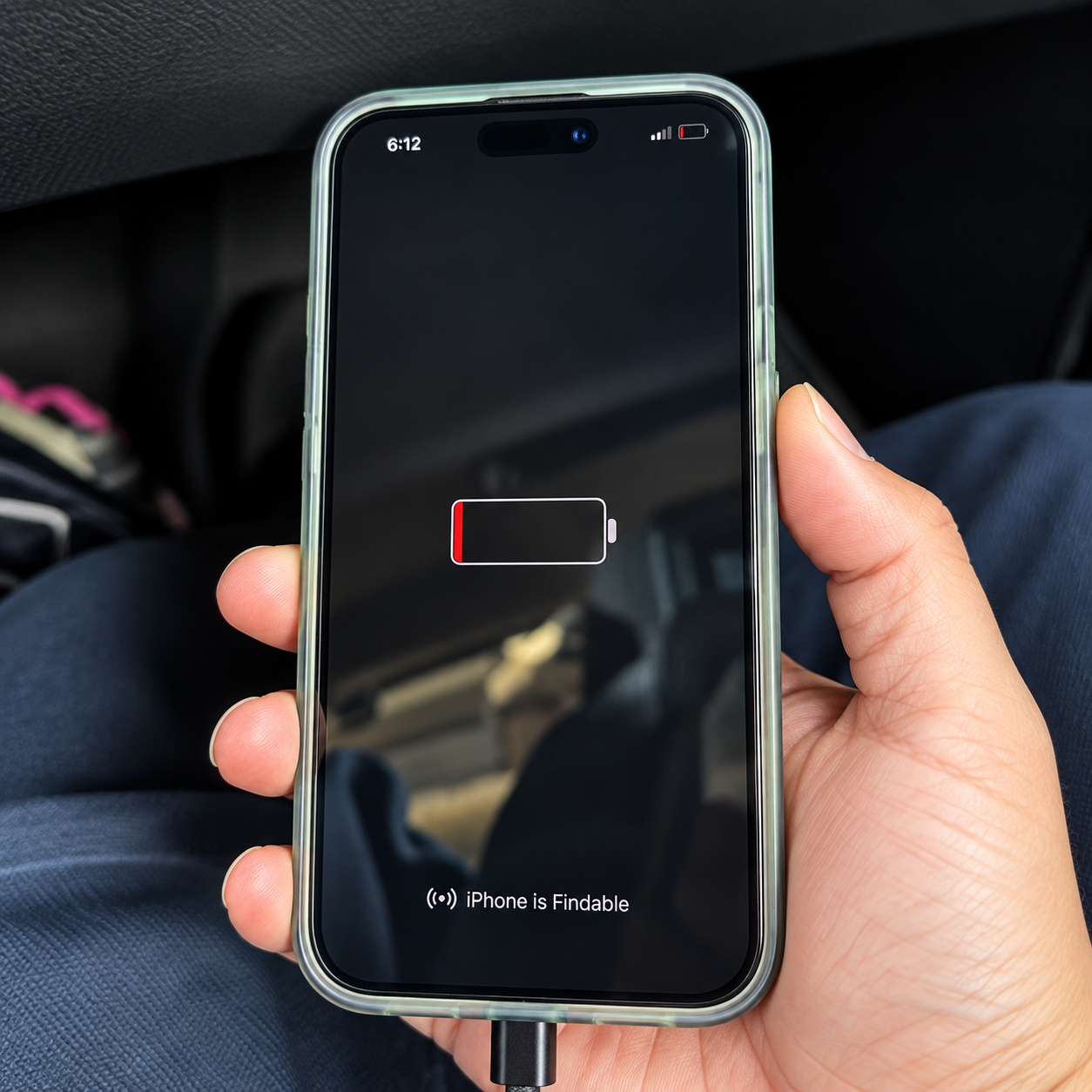
Your iPhone is plugged in, the car is running, and the battery percentage is still dropping. In most cases the problem is not the iPhone. It is the port.
The built-in USB port in most cars is a data port, not a charger. It outputs 0.5A at 5V, which is 2.5W. An iPhone running navigation and audio pulls 3W to 4W just to keep the screen on. At 0.5A, the phone draws more power than the port can supply. The charging icon shows. The battery drains anyway.
Four cause groups cover almost every case of an iPhone not charging in the car in 2026: the port is underpowered, the cable or connector is at fault, a CarPlay data conflict is limiting current, or heat or software is pausing charging. Work through them in order.
Quick Diagnosis: 5 Questions
| Question | If Yes | If No |
|---|---|---|
| Does a different cable charge the phone? | Cable is the problem | Check the next row |
| Does the phone charge through a wall charger? | Car-side issue (port or charger) | iPhone hardware issue |
| Does another phone charge in the same port? | iPhone-specific behavior | Port may be underpowered or faulty |
| Does the screen show "This Accessory May Not Be Supported"? | Cable or dirty port | Skip to Cause Group 3 |
| Is the car parked in direct sun or the interior hot to the touch? | Heat shutdown | Start at Cause Group 1 |
Cause Group 1: The Port Isn't Powerful Enough
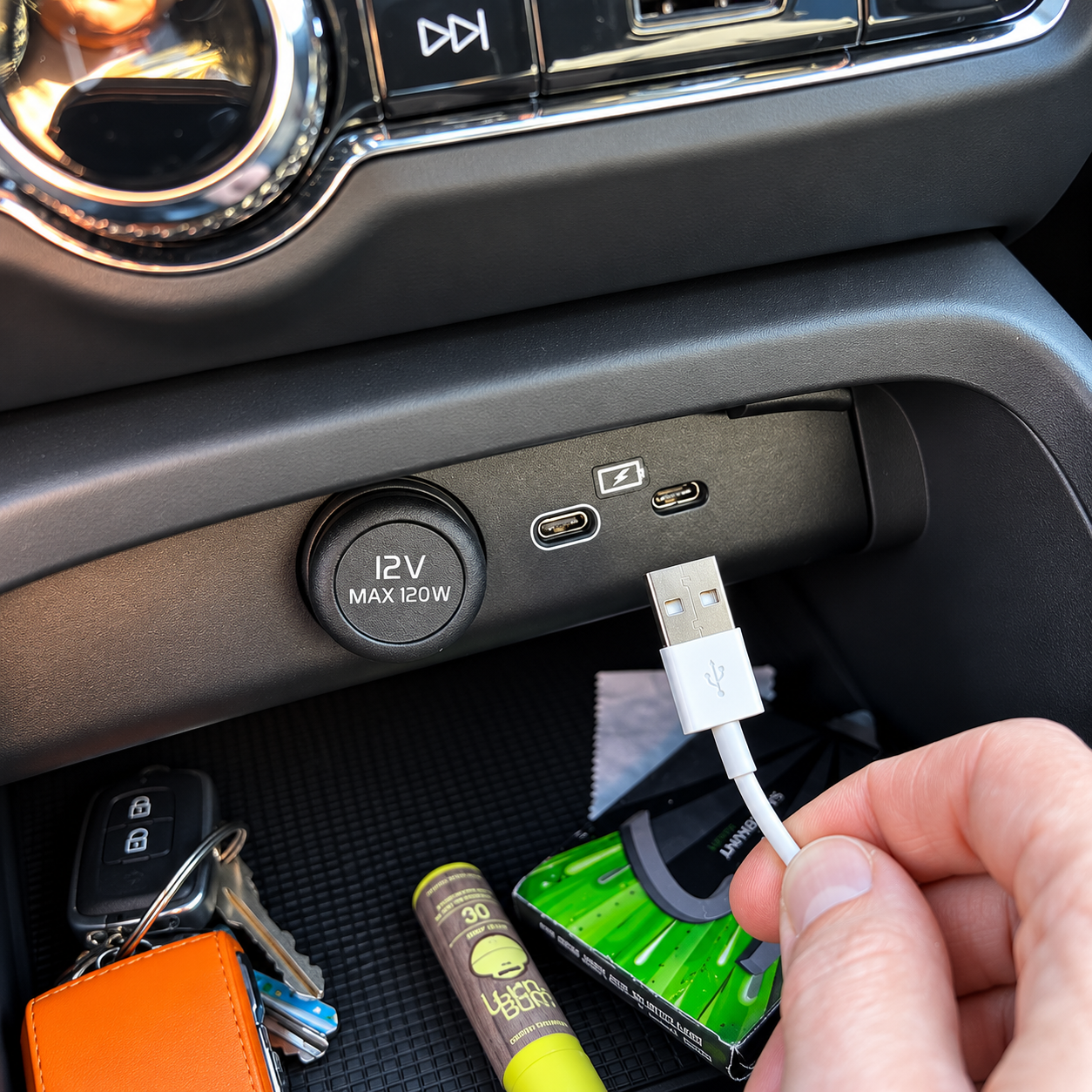
Built-in car USB data ports supply 0.5A at 5V. That is 2.5W. Some vehicles include a second port marked with a charging symbol, typically at 1A (5W). Neither delivers enough power to charge an iPhone under active use.
Apple's own guidance recommends 18W or higher from a USB-C PD source for iPhone 15 and later. USB-A ports need 2.4A per port to charge reliably without losing ground under navigation load. A 1A port keeps a phone at roughly break-even when the screen is off. It falls behind the moment you open Maps.
The fix: Use a certified 12V socket charger instead of the built-in port. A 2.4A USB-A source covers most use cases. A 20W USB-C PD source triggers the fast-charge handshake on iPhone 15 and later, getting a phone from 20% to 50% in around 30 minutes.
The SUNDA car charger line covers 40W to 120W with confirmed per-port output tables. Every model runs CE, FCC, and RoHS certification.
Cause Group 2: Cable, Connector, and Dirt
Dirty port. Lint packs into the bottom of iPhones from normal pocket use. It compresses between the cable contacts and the port pins. The connection is partial or absent. The phone shows no charging, or shows the "This Accessory May Not Be Supported" error.
Fix: Use a wooden toothpick to loosen debris, then clear it with a short burst of compressed air. No metal tools. No liquid.
Non-MFi cable on Lightning iPhones. MFi (Made for iPhone) is Apple's licensed accessory program. Lightning cables without MFi certification lack the authentication chip that iPhones check at connection. The phone detects a missing chip and shows "This Accessory May Not Be Supported" or refuses to charge. This only applies to Lightning connectors. USB-C uses a different standard.
Damaged cable. A frayed or kinked cable near either end causes intermittent contact. The phone may charge briefly, stop, and show the error. Test with a known-good MFi cable and replace any cable that fails.
Cause Group 3: CarPlay and Data-Mode Conflicts
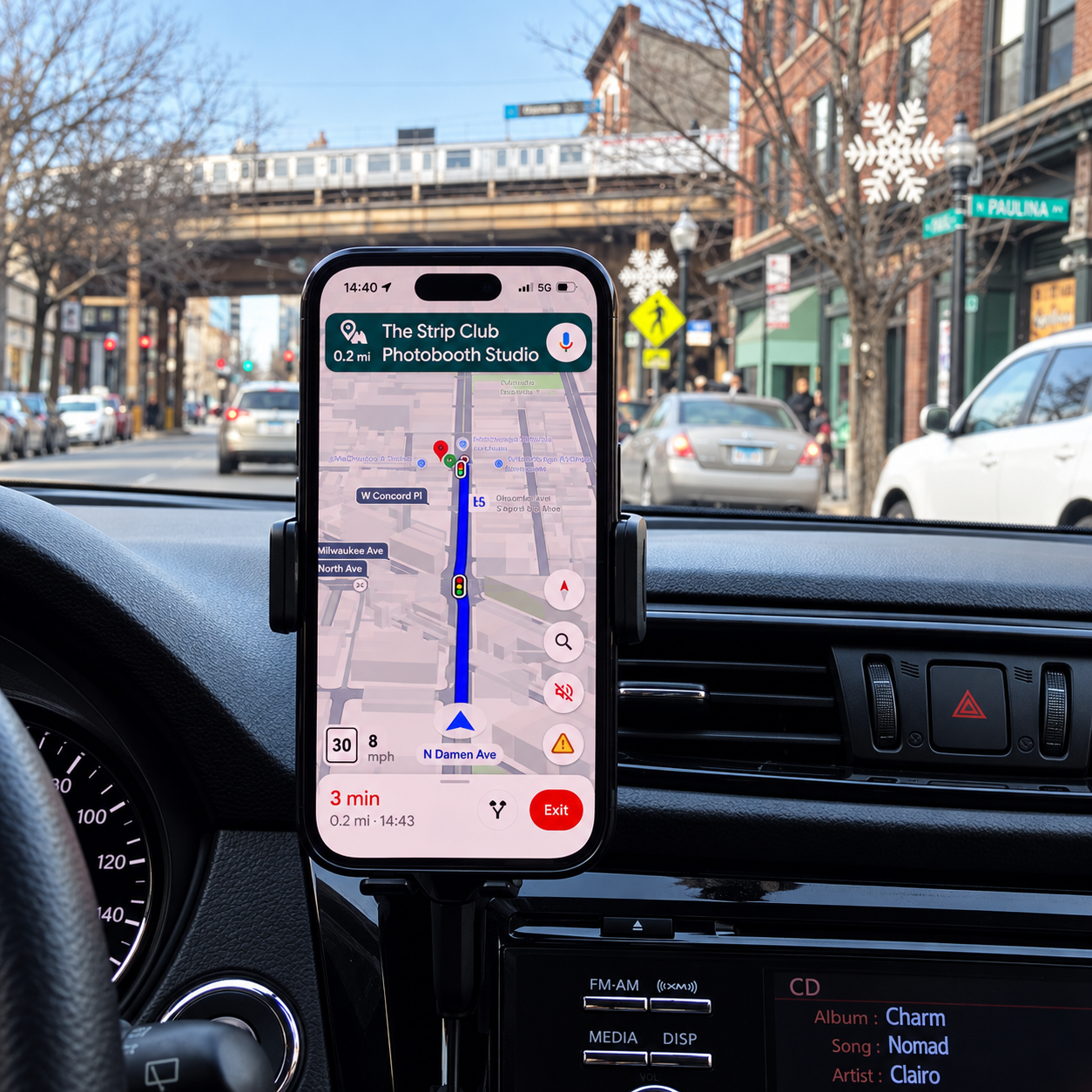
CarPlay routes data over the USB cable alongside power. On some head units, the data handshake limits how much current the port delivers. The phone connects to CarPlay and starts charging, but current is capped low enough that the battery drains under active use.
A second pattern shows up on iPhone 15 and later. These use USB-C. Older cars use USB-A for CarPlay. A USB-A to USB-C adapter carries power but cannot trigger USB-C PD. Some head unit firmware does not negotiate correctly through an adapter at all, causing intermittent CarPlay or no charging.
The fix: Use the port marked for charging rather than the CarPlay port if the head unit has both. Power the phone from a dedicated 12V socket charger and use a separate cable for CarPlay data. Wireless CarPlay eliminates the charging conflict entirely if both the head unit and the iPhone support it.
Cause Group 4: Heat, Software, and Battery Health
Heat shutdown. Apple specifies an operating range of 0°C to 35°C. A dashboard in direct sun on a warm day can push surface temperature past that. When the iPhone's thermal sensor trips, the screen shows a "Charging On Hold" notification and charging pauses. Move the phone off the dash and reduce solar exposure. Charging resumes automatically once the phone cools.
iOS Optimized Battery Charging. This feature is on by default. It delays reaching 100% charge based on your usage patterns to reduce battery wear. If your phone shows the charging icon but holds at 80%, this is probably why. Check it under Settings, then Battery, then Battery Health and Charging. You can disable it when you need a full charge on demand.
Aged battery. An iPhone battery below 80% capacity charges erratically, especially on weak sources. Check Settings, Battery, Battery Health for the current percentage.
When to Replace the Charger
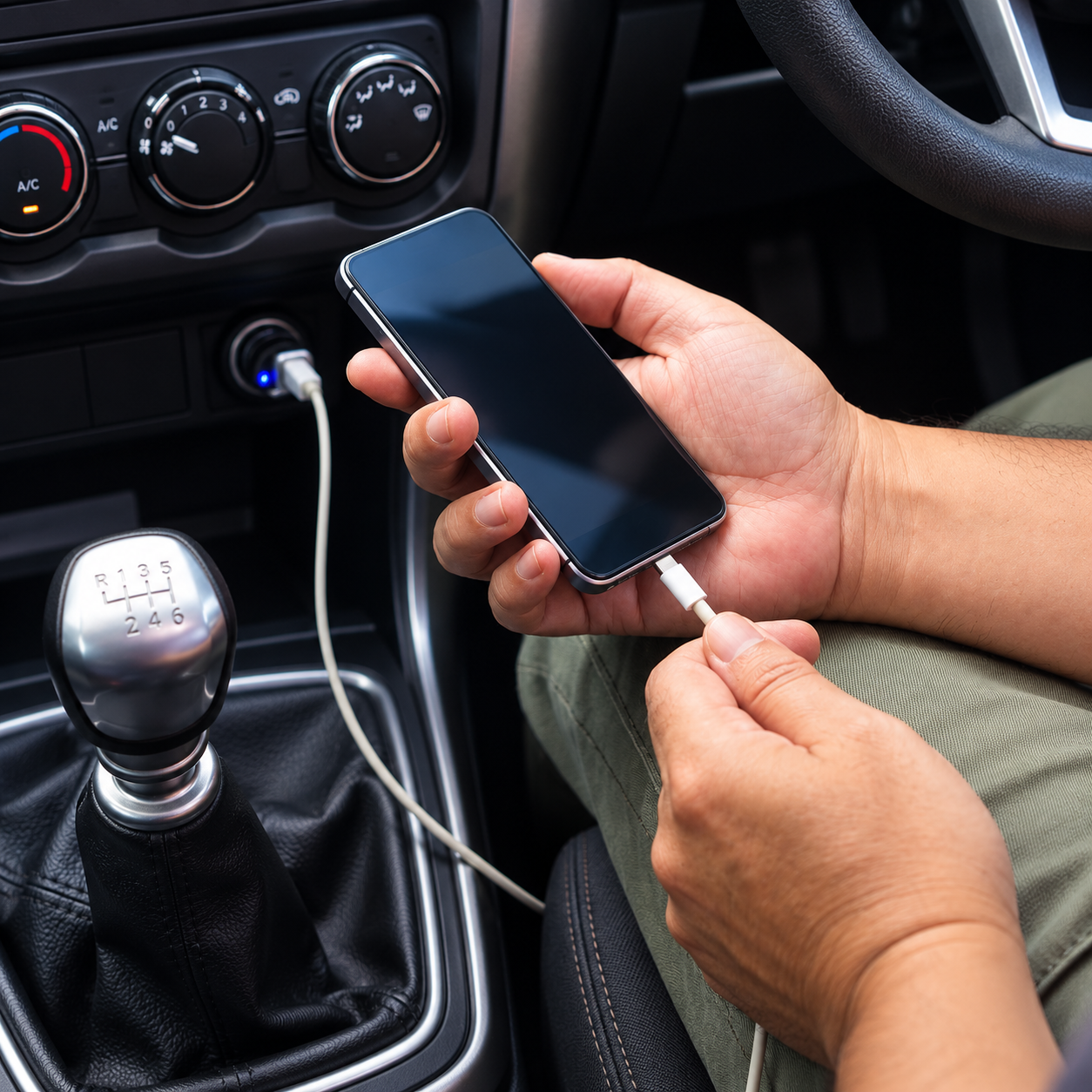
Once you have ruled out cable and software causes, the spec decision is simple.
| Symptom | Likely Cause | Minimum Fix |
|---|---|---|
| Charging icon shows, battery still drops | Port under 3W (0.5A data port) | 2.4A USB-A or 20W USB-C PD in 12V socket |
| "This Accessory May Not Be Supported" | Non-MFi cable or dirty port | MFi cable + port cleaning |
| CarPlay connects but charging barely keeps up | Data port limiting current | Charging-only port or 12V socket charger |
| Charging pauses in hot weather | iPhone thermal protection | Move phone, use faster charger for quicker top-up |
| Phone charges only when screen is off | Under 2.4A source | 2.4A+ USB-A or 20W+ USB-C PD minimum |
For iPhone 15 and later, the practical minimum is a 20W USB-C PD port. The SUNDA 90W dual-port car charger delivers 45W on the USB-C port with full PD and PPS support, fast-charging every current iPhone model. The 40W dual-port covers standard requirements at 20W PD on the USB-C side. Both carry CE, FCC, and RoHS certification.
For resellers and fleet procurement: A charger that cannot keep up with active iPhone use generates returns that trace back to spec selection, not to the phone. Source from factories with model-specific certification documentation rather than generic category certificates. The car charger safety and certification guide covers which documents apply to which export market.
The built-in car USB port at 0.5A supplies less power than an active iPhone consumes. A non-MFi or damaged cable triggers the "Accessory Not Supported" error. CarPlay data ports on some head units cap charging current. Heat above 35°C pauses charging entirely.
Fix: a certified 20W USB-C PD charger in the 12V socket resolves Cause Groups 1, 3, and most of 4 in one step. Clean the port and replace a suspect cable before assuming anything else is broken.
FAQ
Why does my iPhone say "Accessory Not Supported" in the car?
The message appears when the Lightning cable lacks MFi certification (the authentication chip Apple requires), when the port has lint blocking the contacts, or when the cable is physically damaged. Try a different MFi-certified cable first. If the error continues, clean the charging port with a wooden toothpick or anti-static brush and try again.
Does the USB port in my car charge an iPhone at all?
The built-in data port outputs 0.5A at 5V, or 2.5W. An iPhone in active use consumes more than that, so the battery can drop even with the cable connected. Ports marked with a charging symbol typically output 1A (5W), which holds steady under light use but falls behind under navigation or media.
How many watts do I need to fast-charge an iPhone in the car?
Apple specifies 18W or higher from a USB-C Power Delivery adapter for iPhone 15 and later. The 2026 iPhone 17 line specifies 20W or higher. You need a USB-C to USB-C cable and a charger that supports USB PD. A QC3.0 USB-A port does not trigger Apple's fast-charge protocol.
Why won't my iPhone 15 charge in older car chargers?
iPhone 15 and later use USB-C. A USB-A car charger with a USB-A to USB-C cable supplies power but does not trigger USB-C PD fast charging. To reach the 18W to 20W that iPhone 15 and later negotiate for, you need a charger with a dedicated USB-C PD port rated at 18W or higher per port.
Can I charge an iPhone while using CarPlay?
Yes, if the port supplies enough current. CarPlay data ports on older head units can limit current to 0.9A, barely keeping pace with active phone use. Use the head unit's separate charging port if available, or power the phone from a 12V socket charger and run CarPlay data through a separate cable.
Why does my iPhone stop charging when the car interior gets hot?
Apple's thermal protection pauses charging when the phone's temperature exceeds the operating range. On a hot day with the phone on the dash in direct sun, the surface can exceed 35°C before the engine has been running long. Move the phone off the dash, cut direct sun exposure, and charging resumes once the device cools.
Source Chargers That Don't Cause These Complaints
If you're procuring chargers for resale or fleet use, the spec decision at the purchase-order stage determines your return rate.
SUNDA has manufactured car chargers since 2009, from a 2,000 sqm factory in Baoan District, Shenzhen. The current line runs CE, FCC, and RoHS across every model, with select units adding UL, ETL, SAA, ISO9001, and CCC. OEM branding and ODM configurations are handled in-house.
Contact the SUNDA sourcing team with your target market, device profile (iPhone-heavy, mixed Android, fleet), and expected annual volume for a quote.