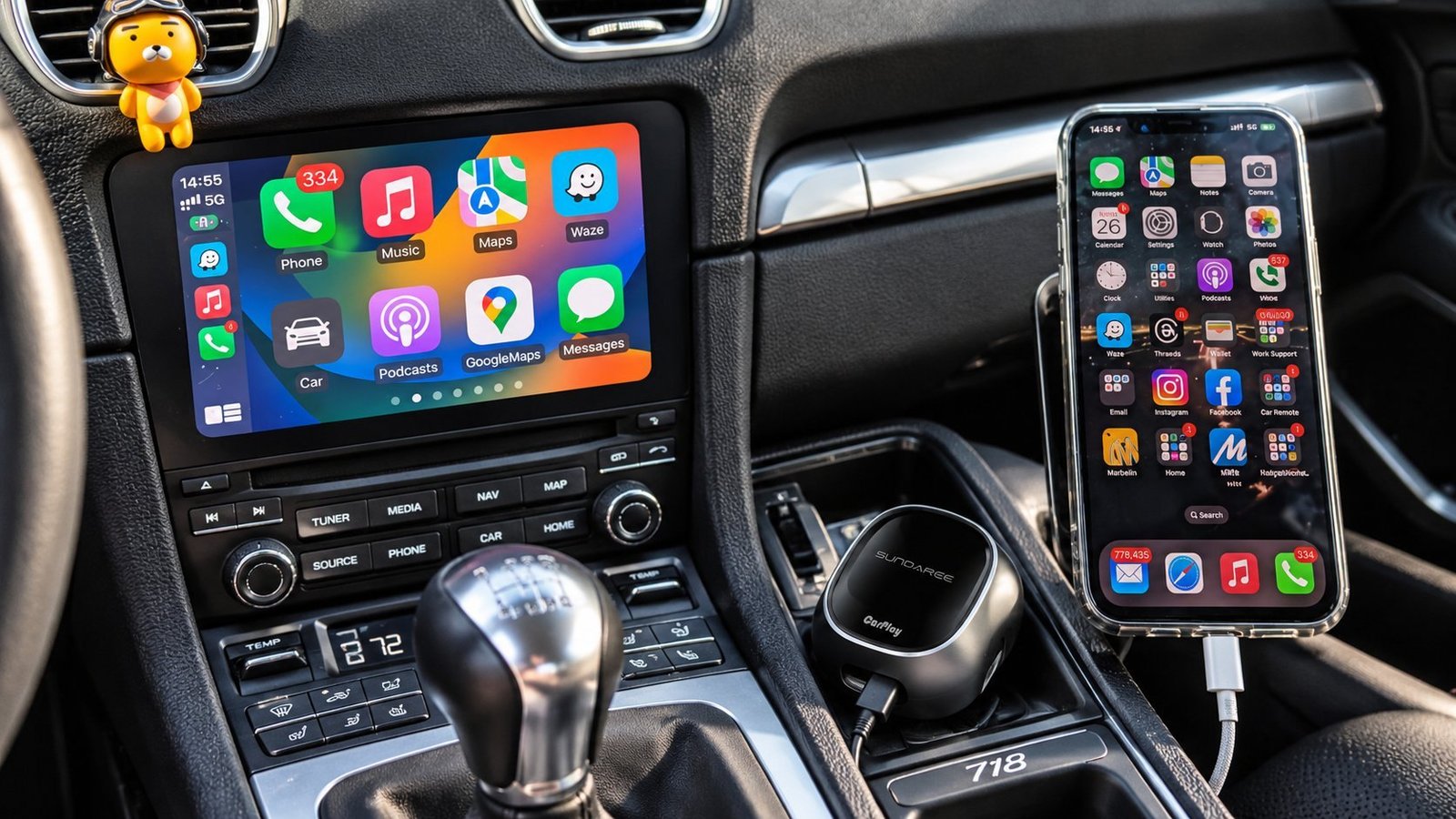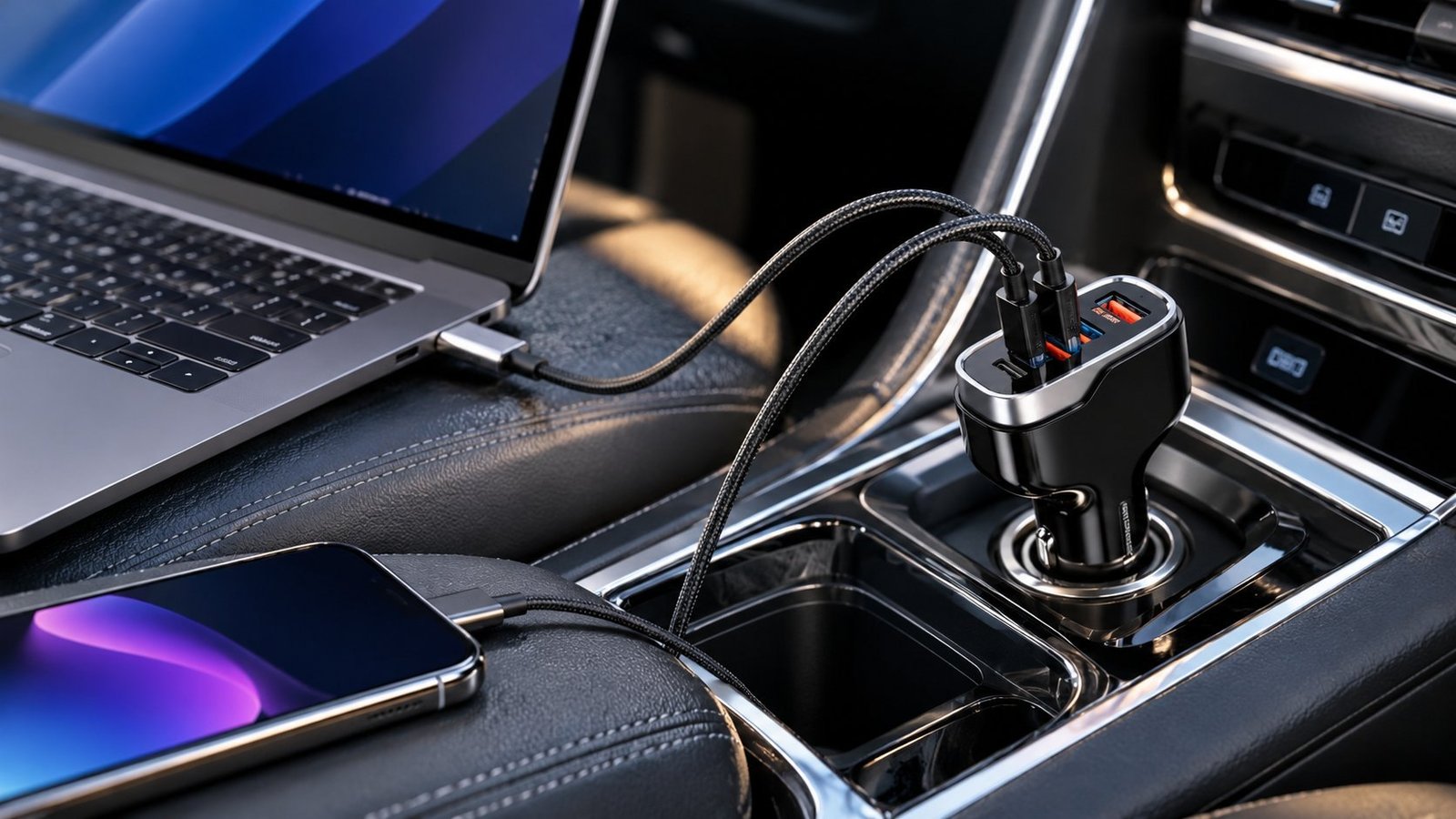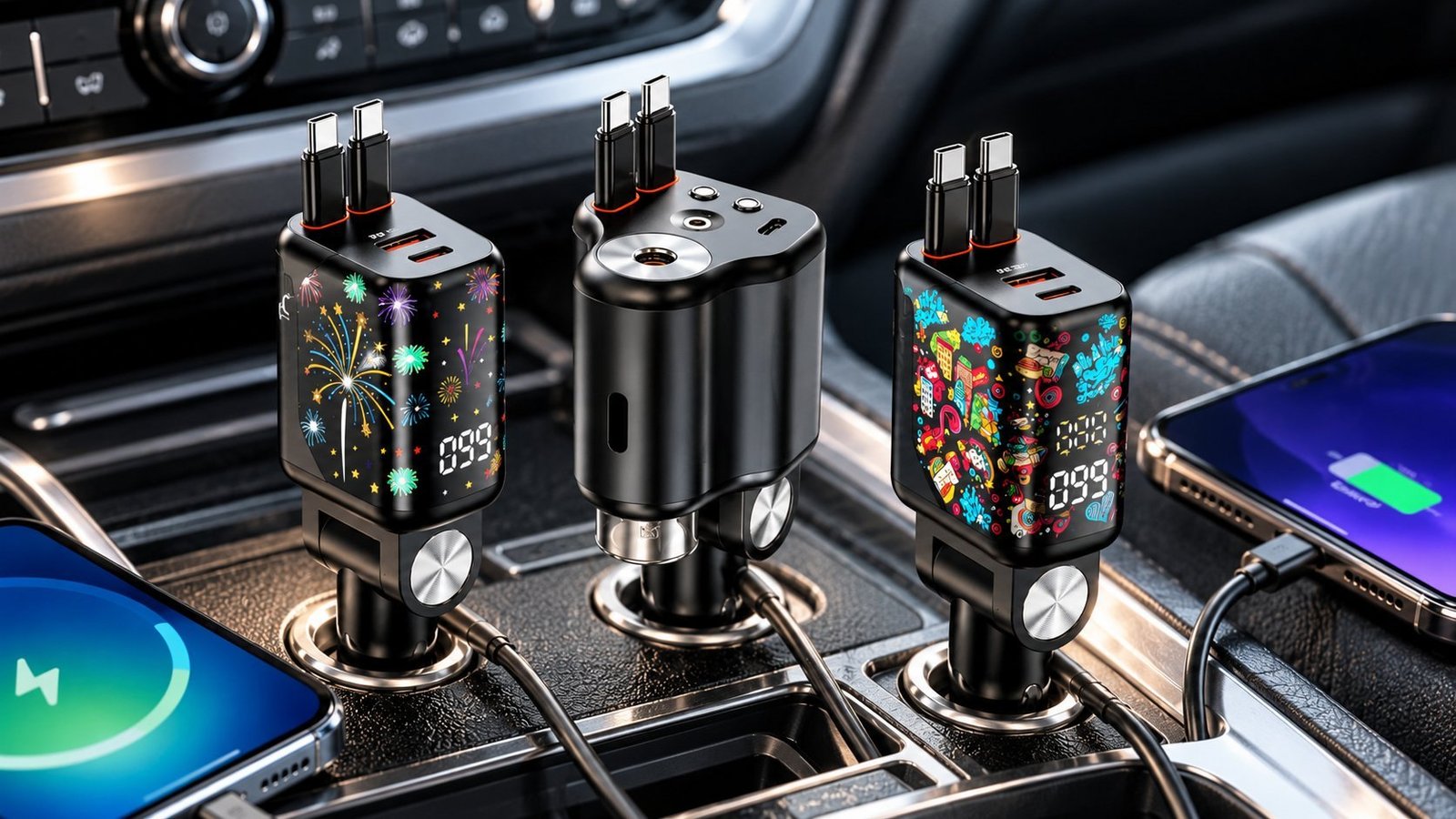
Older vehicles, fleet cars, rental returns, and pre-2016 daily drivers all have the same problem: either no USB ports at all, or a single USB-A port in the dash that barely charges a phone at 5W. Adding USB-C PD ports in 2026 takes between five minutes and two hours depending on which of the four methods you choose. This guide covers all four, with the tools required, the wiring risks to watch for, and the spec questions that matter for buyers sourcing modules at volume.
The short answer: The fastest add is a 12V-socket USB hub with no wiring at all. The cleanest permanent solution is a flush-mount USB panel wired to a switched accessory circuit. Both are viable depending on whether you want to keep the installation reversible.
Four Methods, One Right Answer for Your Vehicle
Before picking an installation method, match it to your tolerance for cutting, drilling, and wiring.
| Method | Skill needed | Time | Tools | Reversible? | Output ceiling |
|---|---|---|---|---|---|
| 12V socket plug-in hub | None | 2 minutes | None | Yes | 65W to 230W |
| Flush-mount USB panel | Basic | 30 to 60 min | Drill, panel removal tools | Partial | 65W+ |
| Dash-cam harness tap | Low | 15 to 30 min | Screwdriver | Yes | 5W to 15W (kit-limited) |
| Fuse-box hardwire | Intermediate | 60 to 90 min | Multimeter, wire crimps | No | 65W+ |
The "reversible" column matters for leased vehicles and company cars. The fuse-box method is permanent and leaves wiring in the car if the module is removed later.
Option 1: Plug In and Done (No Tools, No Wiring)
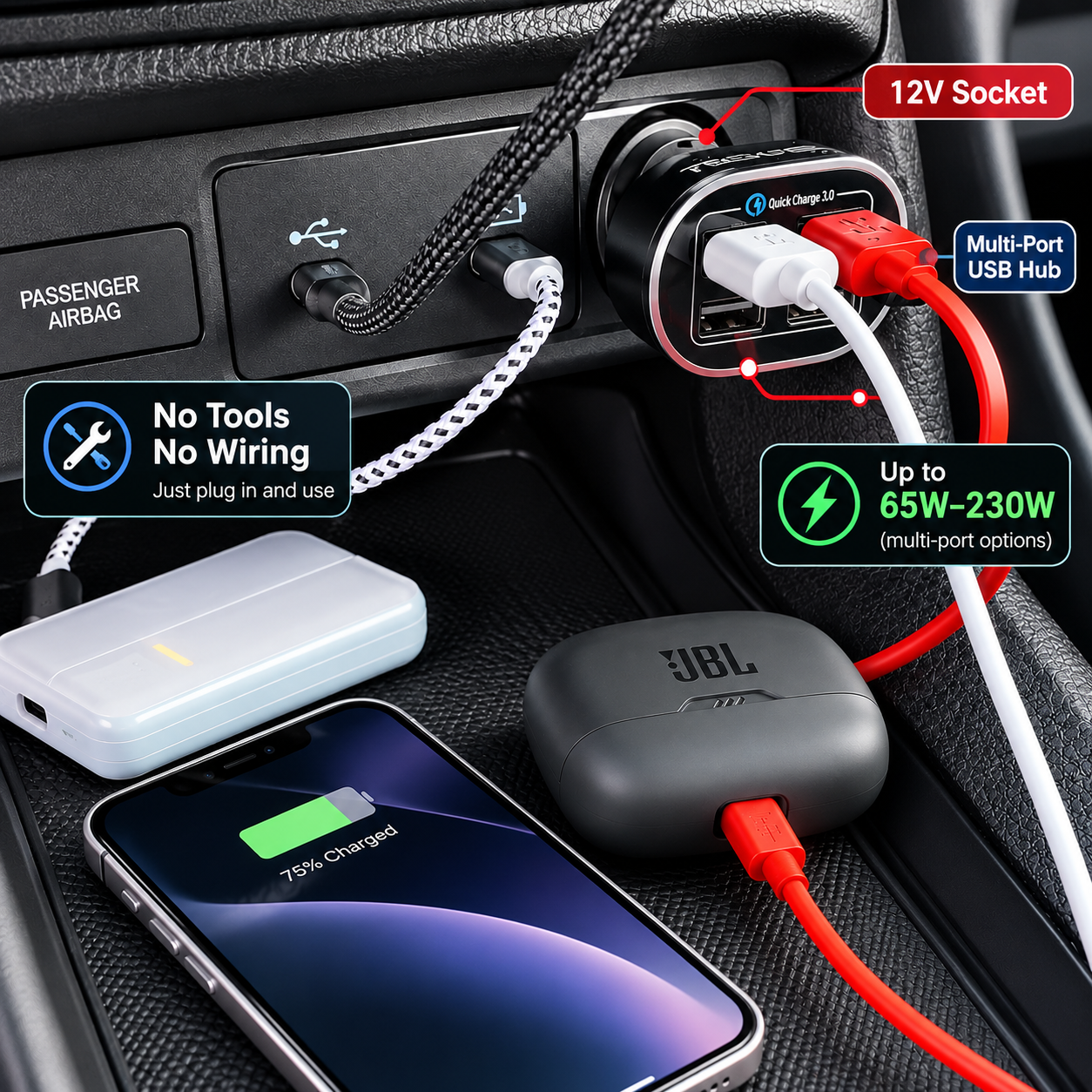
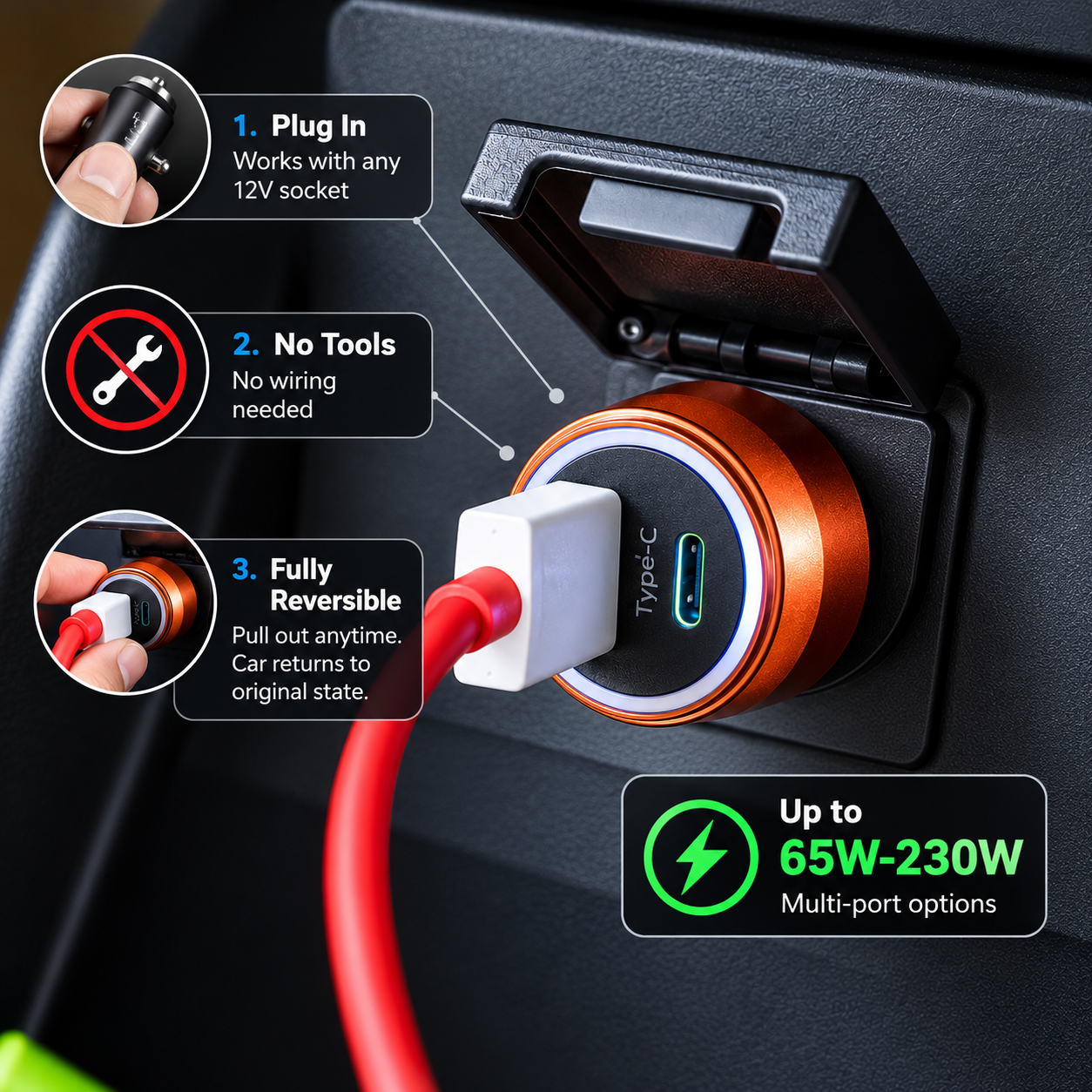
A multi-port USB hub plugged into the 12V cigarette-lighter socket is how most people add USB ports to a car without touching a single wire. It works on any vehicle with a 12V socket, from a 1998 Corolla to a 2024 pickup. Pull it out and the car returns to factory spec instantly.
The real question is wattage. The 12V socket is typically fused at 10A to 20A from the factory. At 12V, a 10A fuse allows up to 120W of continuous draw at the 80% safe-use ceiling. That gives you room for a 65W dual-port USB-C hub with current to spare.
What to look for on the spec sheet:
- Per-port PDO table, not just a total wattage headline
- PD 3.0 and PPS listed for Samsung Galaxy compatibility at 45W
- OVP (overvoltage), OCP (overcurrent), and thermal shutdown protection
- CE and RoHS as minimum certifications
A charger that only says "65W total" without per-port breakdowns could give each port 20W under dual-device load. Get the PDO table before ordering. SUNDA's car charger range ships with per-port PDO documentation on request, covering single-port 40W up to 230W multi-port configurations.
Option 2: Flush-Mount Panel (The Clean Factory Look)
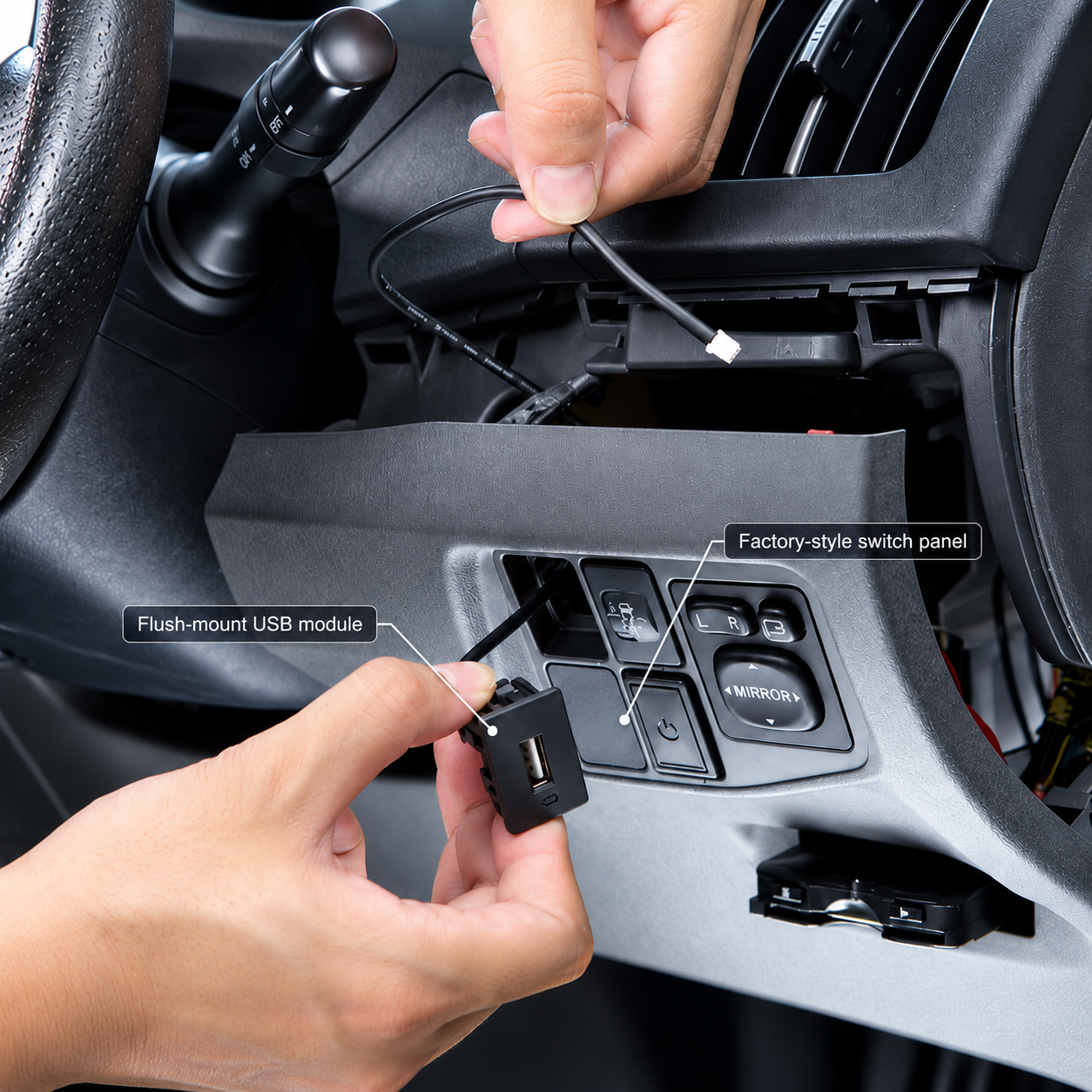
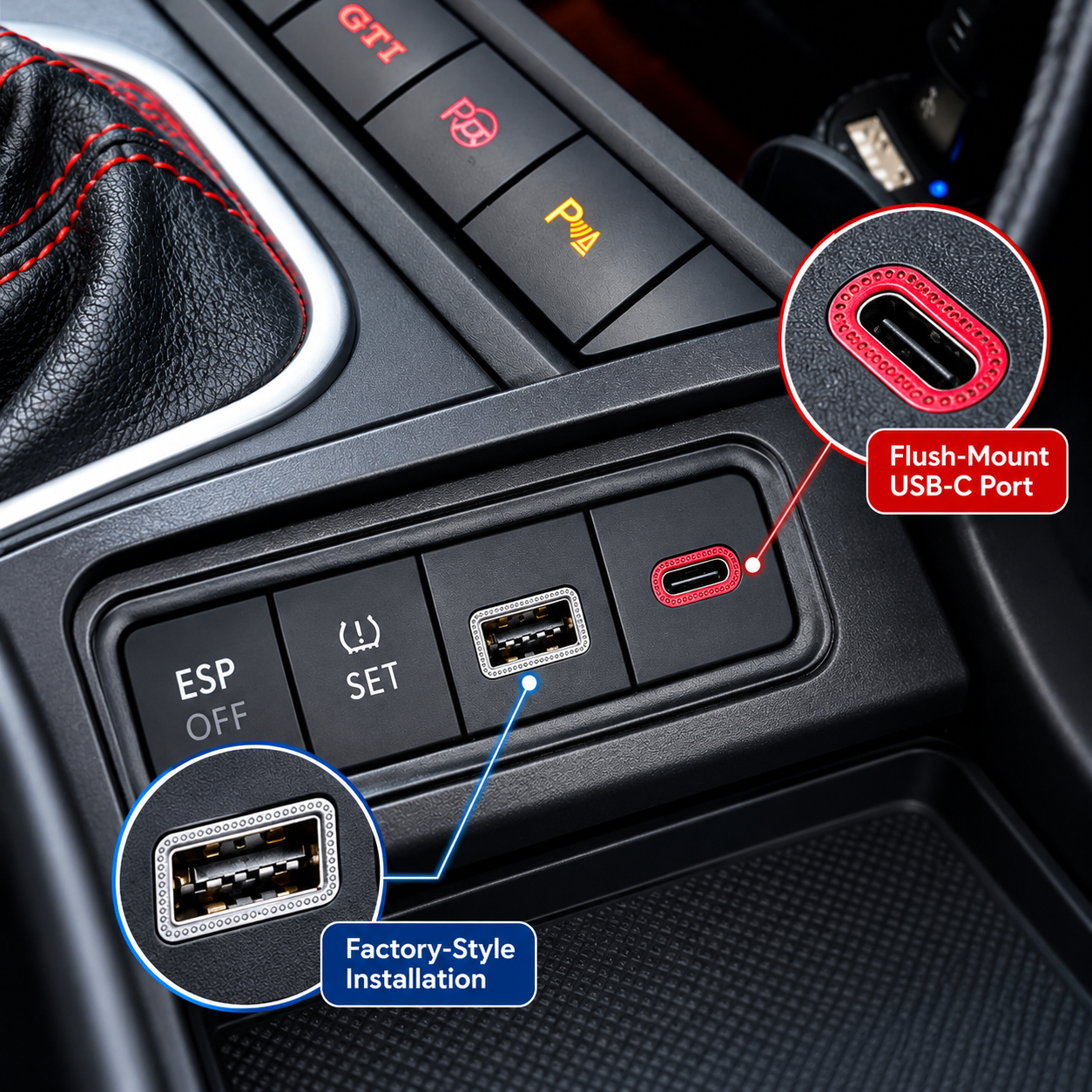
A flush-mount USB module sits inside a cut-out in your dash, console, or center panel, with cables running to a 12V source behind the trim. The result looks like the USB ports were there from the factory. This is the installation method fleet upfitters and car builders use when plug-in adapters aren't acceptable to the end user.
Where to mount the panel:
- Ashtray slot. Vehicles with unused ashtray openings have a ready-made rectangular cutout in the center console. Measure the opening before ordering a module. Most standard 12V USB inserts fit a 50mm x 37mm ashtray hole.
- Blank switch plate. Manufacturers install blanks where optional switches were skipped at the factory. Pull the blank and measure the hole. Many are DIN-compatible and accept standard flush-mount panels.
- Center console lid or side panel. Drill a rectangular opening yourself. Requires a step drill or hole saw and a template. Time increases to 45 to 60 minutes.
Installation steps (ashtray or blank plate swap):
- Disconnect the vehicle battery negative terminal before touching any wiring.
- Remove the trim piece by hand or with a plastic pry tool to avoid scratching.
- Feed the module's power and ground wires through the trim opening.
- Connect power to a switched 12V accessory source (see Safety section below).
- Connect ground to the chassis or the negative terminal.
- Seat the module in the opening, clip or screw it in place.
- Reconnect the battery and test before reinstalling trim.
For vehicles where you want to add USB-C charging to all rows, SUNDA supplies flush-mount modules with custom bezels and logo printing as part of OEM programs. The CC53 car charger series is the current reference platform for sourcing inquiries, with CE, FCC, RoHS, and E-Mark active.
Option 3: Tap Your Dash Cam or Accessory Harness
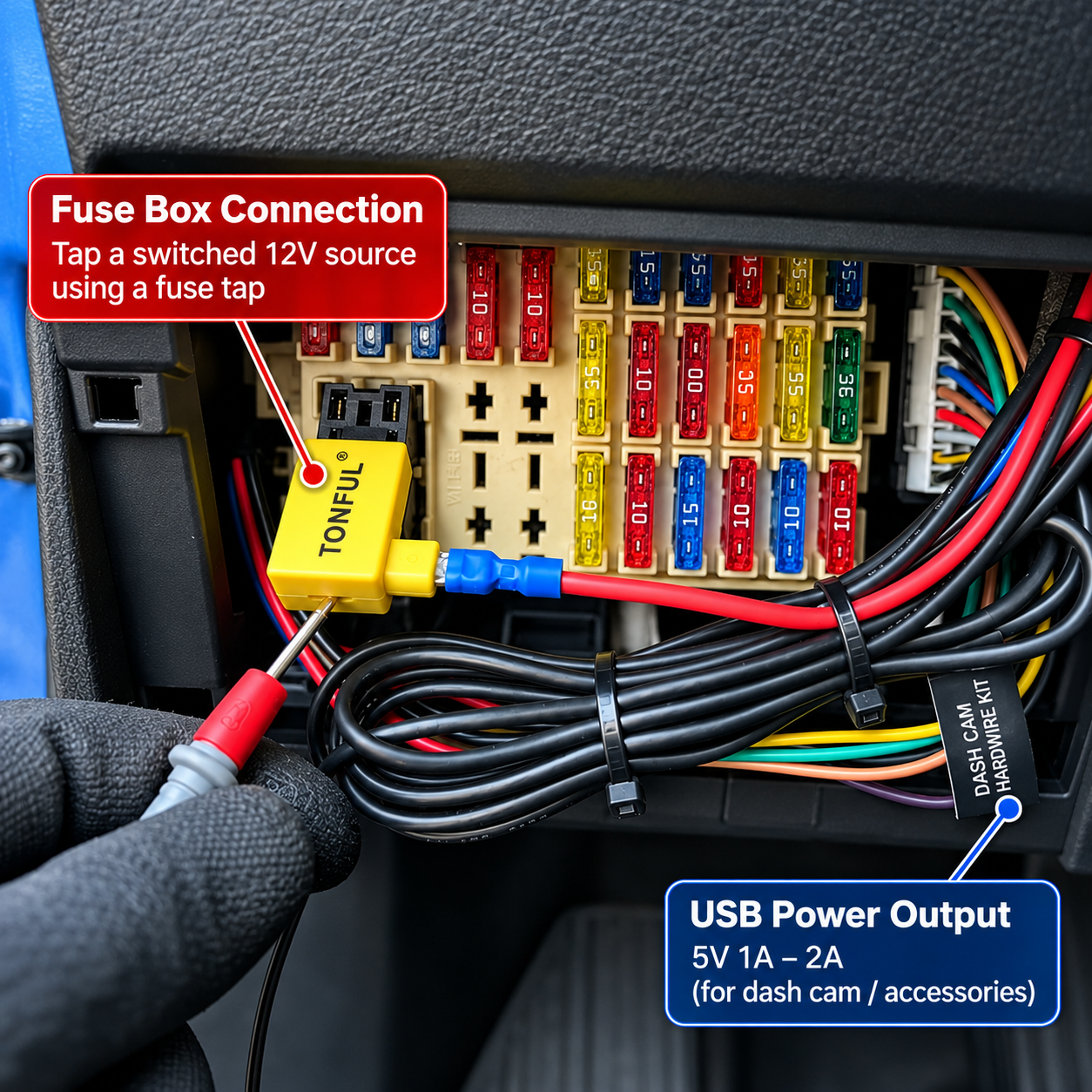
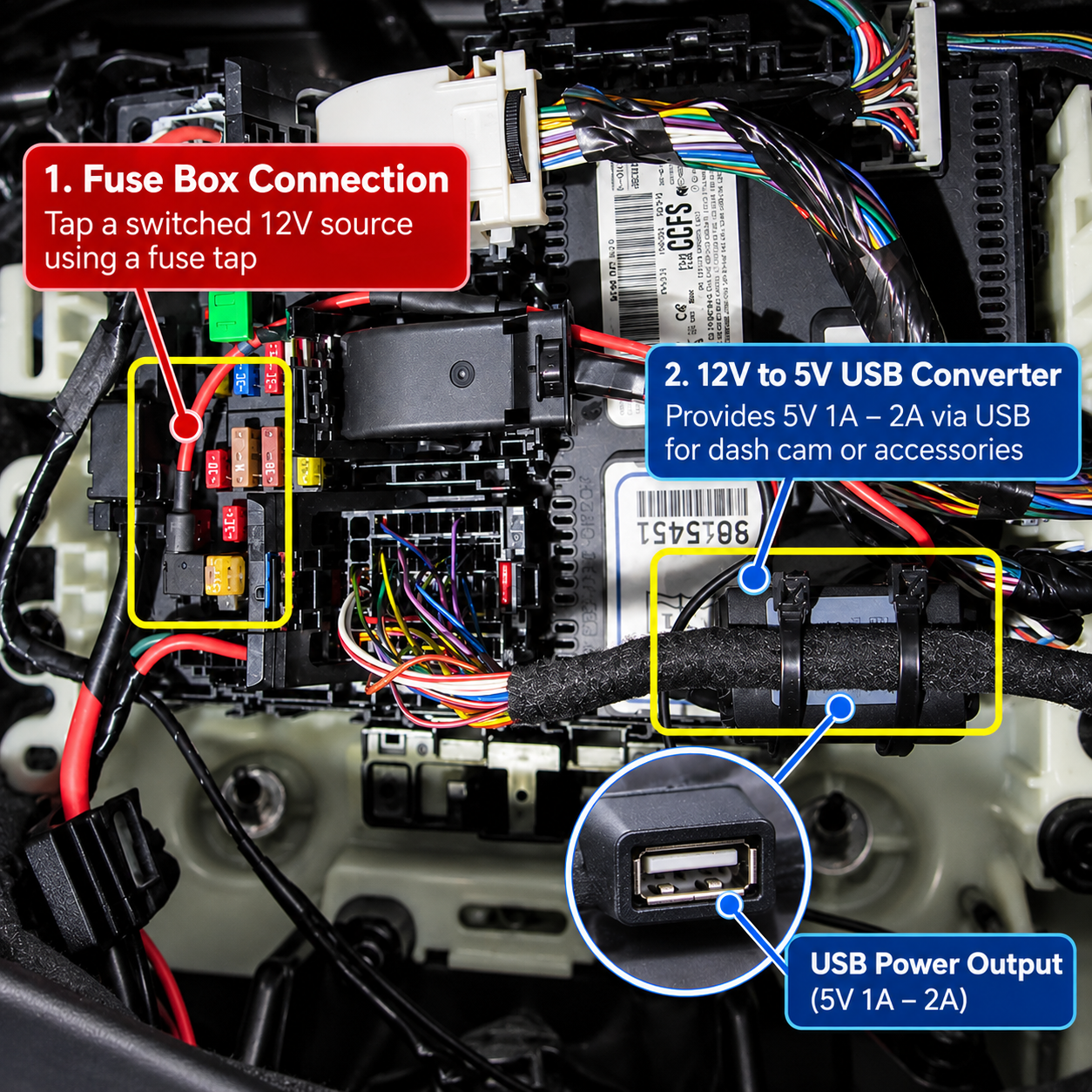
Dash cam kits often ship with a hardwire harness that taps the vehicle's fuse box and includes a USB-A port on the harness cable. That USB-A port typically outputs 5V at 1A to 2A, which is not fast charging. But it is a switched, always-available USB power source without any additional fuse-box work.
Two ways to use this route:
- Use the harness USB port directly. Plug a short USB-A to USB-C adapter cable into the harness port. The phone charges at 5W to 10W. Slow by current standards, but enough to offset battery drain during navigation on a long trip.
- Add a second power tap from the same harness. Some dash cam harnesses have two fuse taps. If yours does, run the second tap to a compact USB hub for a higher-output connection alongside the dash cam.
Limits to know: The USB port on most dash cam harnesses is fused at 1A to 2A for the camera, not for phone charging. Connecting a phone that tries to draw 3A can trip the fuse or damage the harness wire. Confirm the harness fuse rating before adding load to it.
This method works best as a supplement to a plug-in hub, not a replacement. Use the harness port for a device that needs constant low-power access and put high-wattage charging on a dedicated 12V socket hub.
Option 4: Fuse Box Hardwire (Cleanest Install, Needs Basic Wiring)
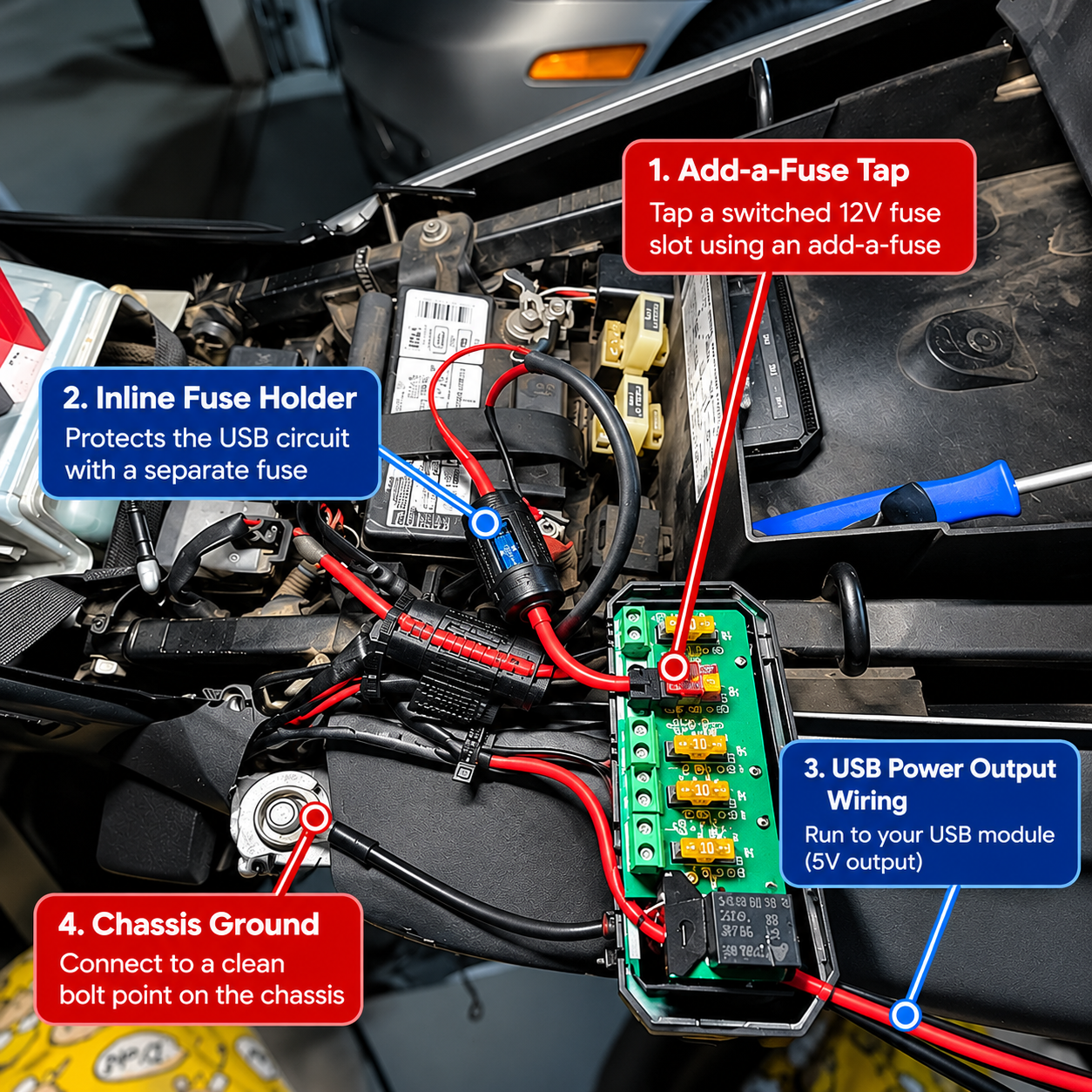
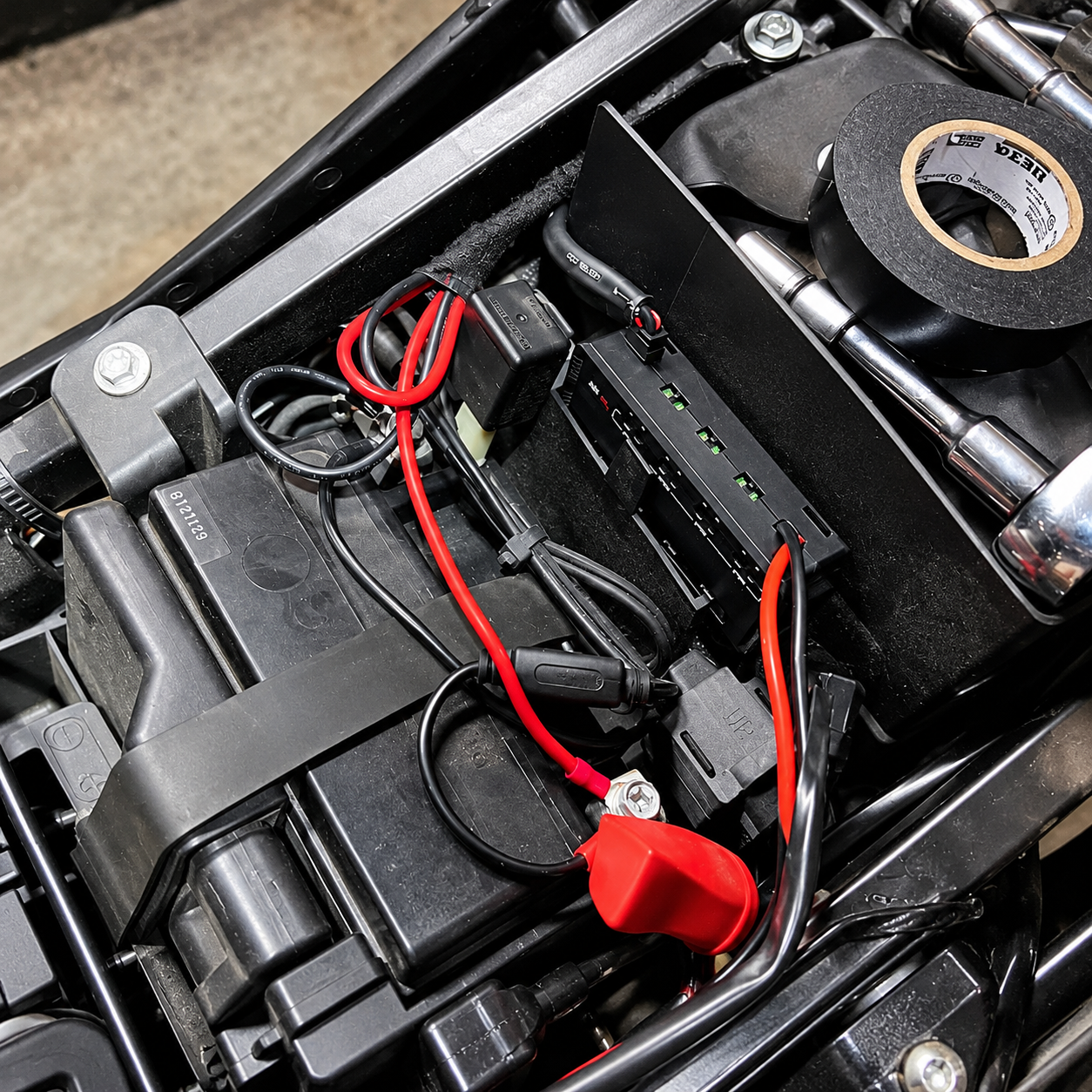
Wiring a USB module directly to the fuse box gives you the cleanest cable routing and the most reliable switched-power connection. The module powers on with the ignition and shuts off when the engine stops. No running cables across the dash to a 12V socket.
What you need:
- Mini blade fuse tap (the add-a-fuse type, sized to the slot you're tapping)
- 20AWG to 18AWG wire, stranded copper, rated for 105°C automotive use
- Inline fuse holder and appropriately rated fuse for the wire gauge
- Multimeter to confirm which fuse slot carries switched power
Steps overview:
- Identify a switched accessory fuse slot with your multimeter. The fuse should show 12V with the key in the accessory position and 0V with the key out.
- Install the add-a-fuse tap in that slot. The tap carries both the original fuse and a new fuse for your USB circuit.
- Run the USB module power wire from the tap to the module location. Keep it away from moving parts and heat sources.
- Connect the module ground to the chassis at a clean bolt point.
- Test before closing up the trim.
A full fuse-box wiring guide specific to this installation is worth reading before you start, particularly for matching fuse ratings to wire gauge. Never use a fuse rated above what the wire can safely carry.
Before You Wire Anything: Fuses, Gauge, and Battery Drain
Three things go wrong in DIY USB port installs more often than anything else.
Wrong fuse rating. The fuse protects the wire, not the device. A 20AWG wire at 12V can carry around 5A continuously (roughly 60W). Put a 20A fuse on a 20AWG wire and you have created a fuse that cannot protect the wire from a short circuit. Match the fuse rating to the wire gauge, not to the device wattage.
Constant power instead of switched power. If you tap a constant-power fuse slot (one that stays live with the key out), the USB module draws current 24 hours a day. A 10W standby draw across a week can kill a standard car battery. Always tap a switched circuit that cuts off with the ignition.
Undersized ground. A weak ground connection causes voltage drop, which causes the charger to output less than rated wattage and run hotter. Use the same wire gauge for ground as for power, and connect to a clean chassis bolt, not a painted surface.
For the cable side of the install, USB-C data cables rated for PD carry the full negotiation pins that let a fast-charge module deliver rated output.
Sourcing Flush-Mount USB Modules for Fleets and Resale
Fleet upfitters, automotive trim shops, and accessory distributors buy USB modules in quantity rather than one at a time. The sourcing questions are different from a consumer install.
Key spec requirements for bulk sourcing:
- Per-port PDO table with PPS listed for Samsung Galaxy coverage
- Custom bezel color and logo to match the vehicle interior or brand
- CE, FCC, RoHS, and E-Mark across the full production run
- Consistent QC across units, not just sample-quality spec compliance
One SKU that works for most fleet installations: a 65W dual-port USB-C module with PPS and a flush-mount bezel sized to standard DIN openings. SUNDA produces this configuration with custom logo and housing color from 500 units per SKU, 7 to 15 working days production lead time.
Send your vehicle specs, installation context, and annual volume to the SUNDA team and receive a module recommendation and pricing within two business days.
Source USB Charging Modules for Vehicle Installs
Send your vehicle specs, installation context, and annual volume to the SUNDA team and receive a module recommendation and pricing within two business days.
Summary
Adding USB ports to any car comes down to how permanent you want the install and how much current you need. A 12V-socket hub gets you up and running in two minutes with no risk. A flush-mount panel takes 30 to 60 minutes and looks factory-fitted. A fuse-box hardwire is the most permanent solution and the one that requires the most care with wire gauge and fuse rating. Whichever route you choose, get the per-port wattage spec before buying the module, and always tap a switched circuit for anything wired permanently.
FAQ
How much does it cost to add a USB port to a car?
A plug-in 12V socket hub with two USB-C PD ports costs between $15 and $40 depending on wattage. A flush-mount panel module runs $20 to $80 for the hardware. Paying a shop to install a hardwired flush-mount panel adds $60 to $150 in labor, depending on the vehicle and wiring complexity. For fleet installs in volume, module unit costs drop significantly.
Can I add USB-C PD ports to an older car?
Yes. Any vehicle with a 12V cigarette-lighter socket can run a USB-C PD hub without any wiring changes. A 65W dual-port USB-C hub plugs directly in and fast-charges any current phone or tablet. For a permanently installed USB-C panel, all that's needed is a 12V switched power source and a ground connection, both of which exist in any vehicle from any era.
Will added USB ports drain my battery when parked?
Only if you wire them to a constant-power circuit. USB modules wired to a switched accessory circuit, or plug-in hubs left in a 12V socket that cuts off with the ignition, draw zero current with the car off. The problem comes when a tapped fuse slot stays live with the key out. Always confirm the circuit cuts off with the ignition before wiring a permanent module.
Do I need to cut wires to install USB ports?
Not for the plug-in hub method. No cutting at all. For a flush-mount panel using an existing ashtray or blank switch plate opening, the most you cut is trim plastic to resize the opening. Fuse-box hardwiring requires cutting and crimping a power lead, but nothing in the vehicle's factory wiring is cut.
Can a shop install USB ports in a leased car?
A plug-in 12V socket hub requires no modification to the vehicle and is fully reversible. Any leasing contract allows it. A hardwired or flush-mount installation that requires cutting or drilling the dash is a modification and most leasing contracts prohibit those without written consent from the leasing company. Check the contract before drilling anything.
Where can I buy flush-mount USB modules in bulk?
SUNDA manufactures flush-mount USB charging modules for fleet upfitters, auto accessory distributors, and private-label programs. Configurations run from 18W single-port to 65W dual-port USB-C with PPS, in custom bezel colors and with logo printing. Minimum order starts at 500 units per SKU. CE, FCC, RoHS, E-Mark, and UL are available by target market.